Visual and guided platforms that do not require writing code to reach a working app.
2 platforms compared·Updated September 2026
Affiliate disclosure — Some links on this website are affiliate links. If you click a link and purchase a product or sign up for a service, we may receive a commission at no additional cost to you. Our rankings and editorial opinions are formed independently of affiliate compensation. Read the full disclosure.
The short answer
Base44 is the best no-code app builder in 2026 because you can describe an app in plain language and get working screens with accounts, a database and permissions already wired in — free to start, $16 a month billed annually for the first paid tier. Lovable is the better choice when the app is public-facing and needs to look designed, while Higgsfield covers no-code AI video and image content rather than software.
Key takeaways
Modern no-code means describing what you want rather than dragging blocks — the generation step replaced the canvas.
Base44 is the most complete no-code package: prompts in, a working app with logins and data out, with a free tier to test it properly.
Lovable's advantage is output quality — the fewest design corrections needed before showing the app to strangers.
'No-code' does not mean 'no thinking': data structure and permissions are still decisions you have to make correctly.
Pick a tool that gives you the code even if you never look at it, so a developer can take over if the project outgrows prompting.
Our top picks
Best no-code builder overall
Base44
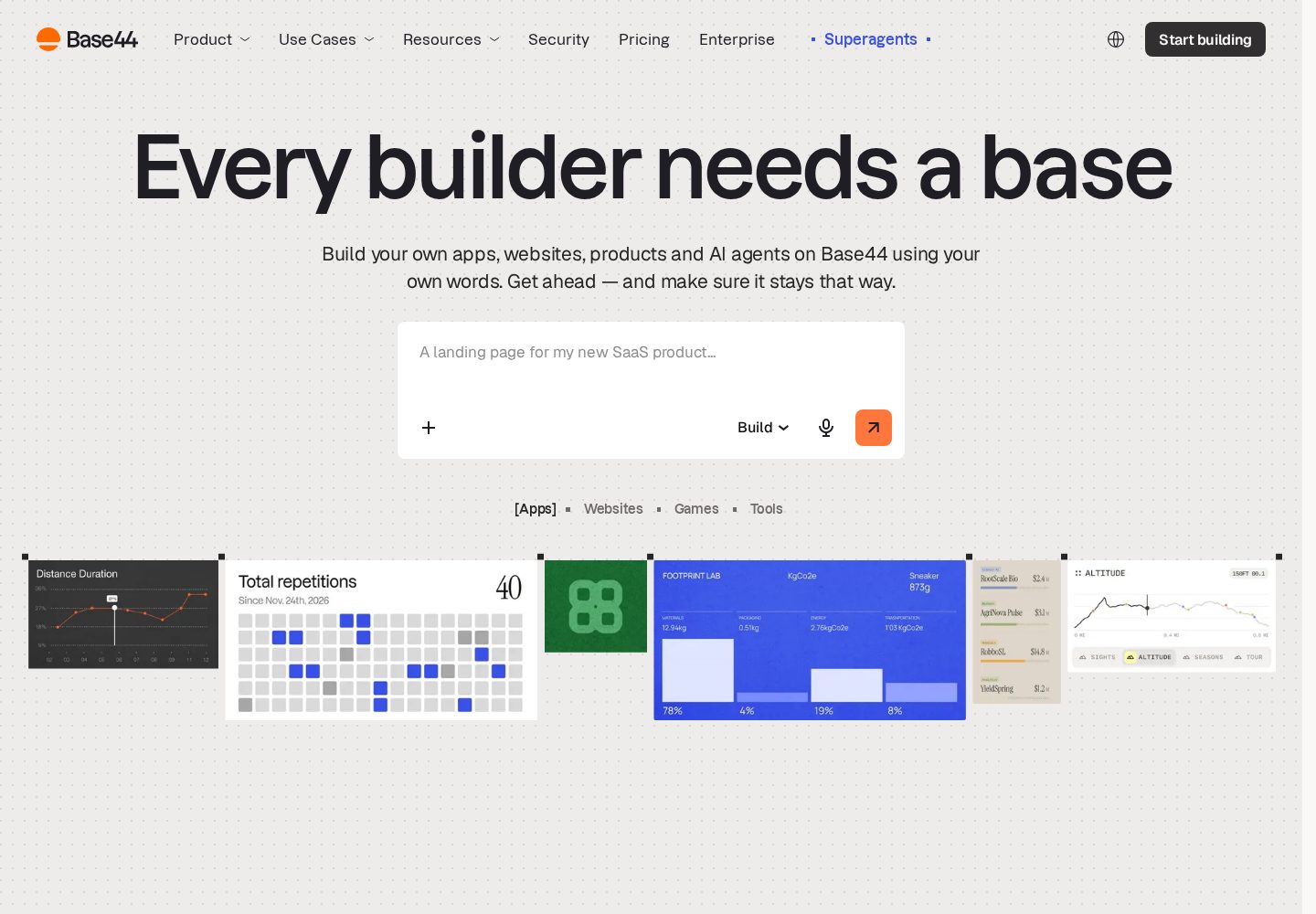
Plain-language prompting produces apps with accounts, a database and permissions included — and the free tier is enough to build something real.
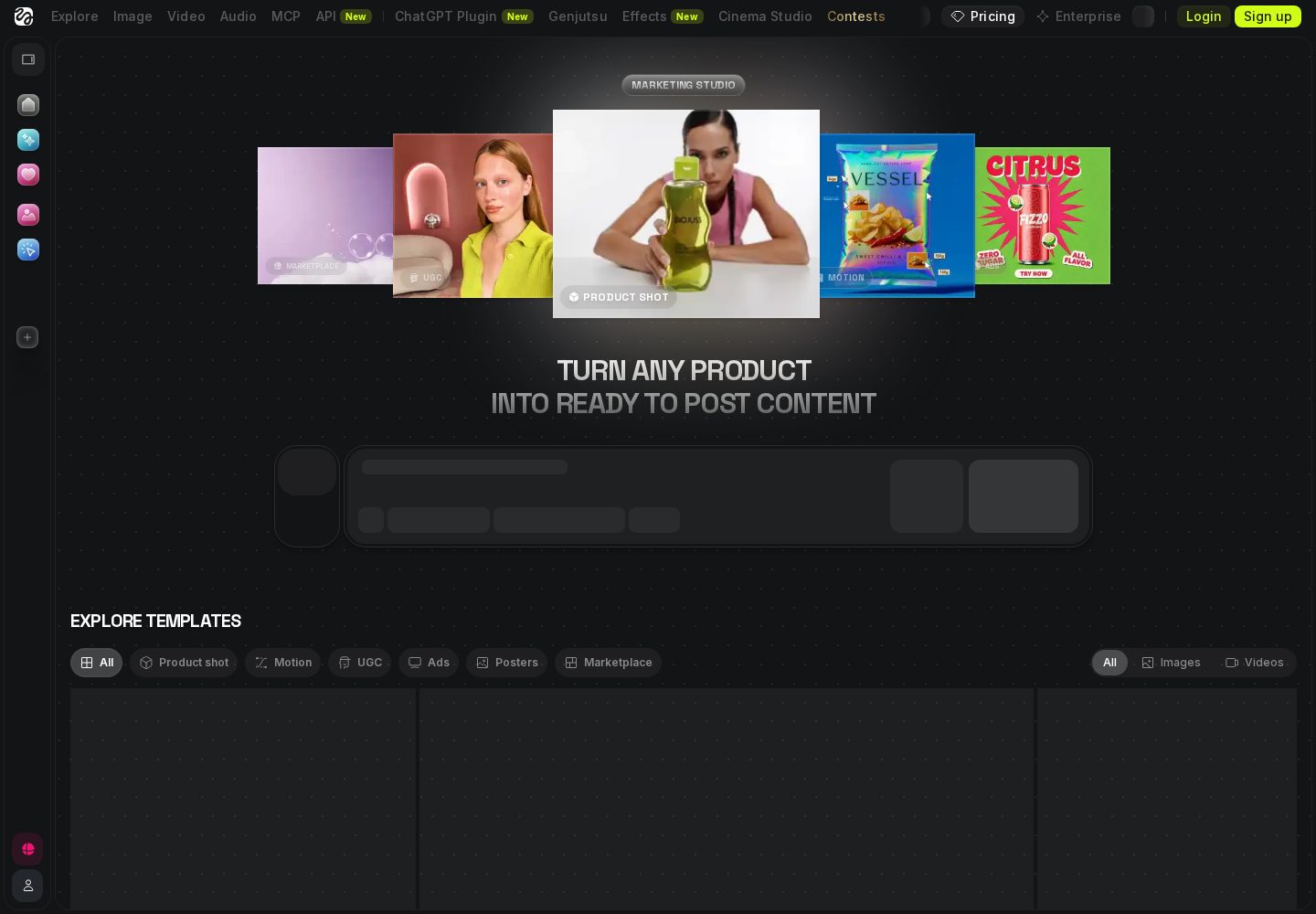
Multi-model AI platform for generating cinematic video and images from a prompt.
Creators and marketers who need cinematic AI video and images, not codeFree plan: Yes
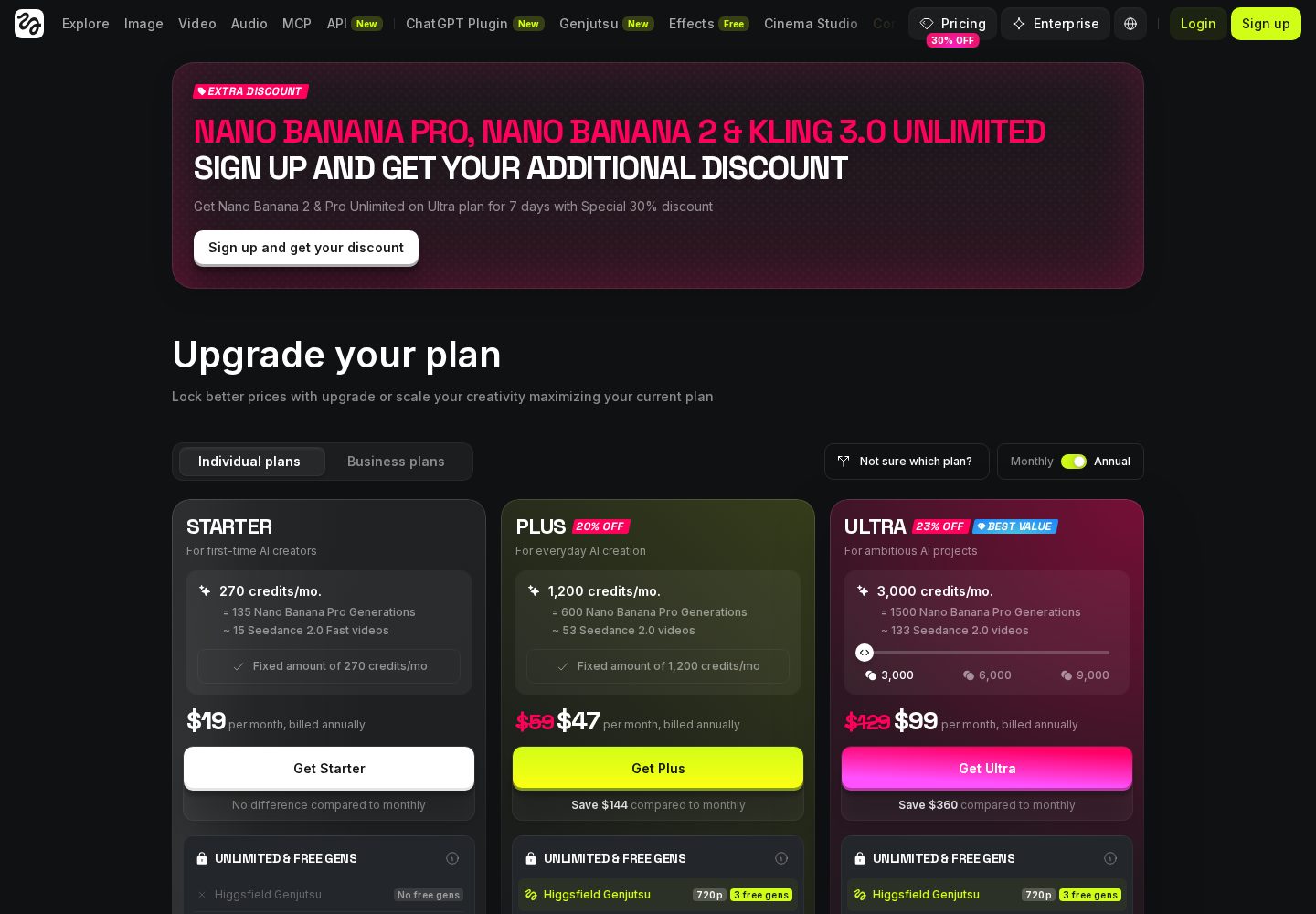
Pricing: Free plan with limited credits; Starter $19/month (270 credits); Plus $47/month (1,200 credits); Ultra $99/month (3,000 credits); Team plans available
We evaluated these platforms specifically from a non-developer's seat: how far you can get without ever opening a code view, whether errors are explained in language a non-engineer can act on, whether the backend pieces (accounts, data, permissions) require outside services, and what happens when you ask for something the platform cannot do. The same brief — a community directory with member sign-up, submissions and an approval queue — was built on each platform using prompts only. Pricing verified against vendor pricing pages, September 2026.
How far you get without touching code
The honest test of a no-code tool is the point at which it tells you to edit a file. The further that point sits from the start, the better the tool is for a non-developer.
Built-in backend
Accounts, a database and file storage should come with the platform. If you have to sign up for a second service and connect it yourself, the tool is not really no-code for your use case.
Error messages you can act on
Something always breaks. What separates usable platforms from frustrating ones is whether the failure is explained in terms of what you asked for, or in terms of a stack trace.
An escape hatch
The best no-code tools are also the best handover tools. Code export and GitHub sync cost you nothing while you are prompting and save the project if it succeeds.
Platform breakdown
1
Base44
Best for: Non-technical teams building full-stack business apps quickly
9.9/10
Rated 9.9/10 and our top pick for non-technical builders. Base44 combines one of the quickest prompt-to-app workflows with a database, authentication, analytics and hosting that work without separate setup. It loses points for its two-part credit system and for the testing still required before a generated app is ready for important production data.
Key strengths
✓Produces a working front end, database and user accounts from one prompt
✓Free plan includes the core builder, hosting, authentication and analytics
✓Paid plans include unlimited apps and direct in-app code editing
✓Builder and higher plans add two-way GitHub sync and AI model selection
✓Custom domains and production hosting are handled inside the platform
Key weaknesses
−Separate message and integration credits make real usage harder to predict
−Complex permissions, workflows and edge cases still need careful testing
−GitHub sync is restricted to Builder and higher plans
−Repeated prompting can introduce visual or functional regressions
Pricing:
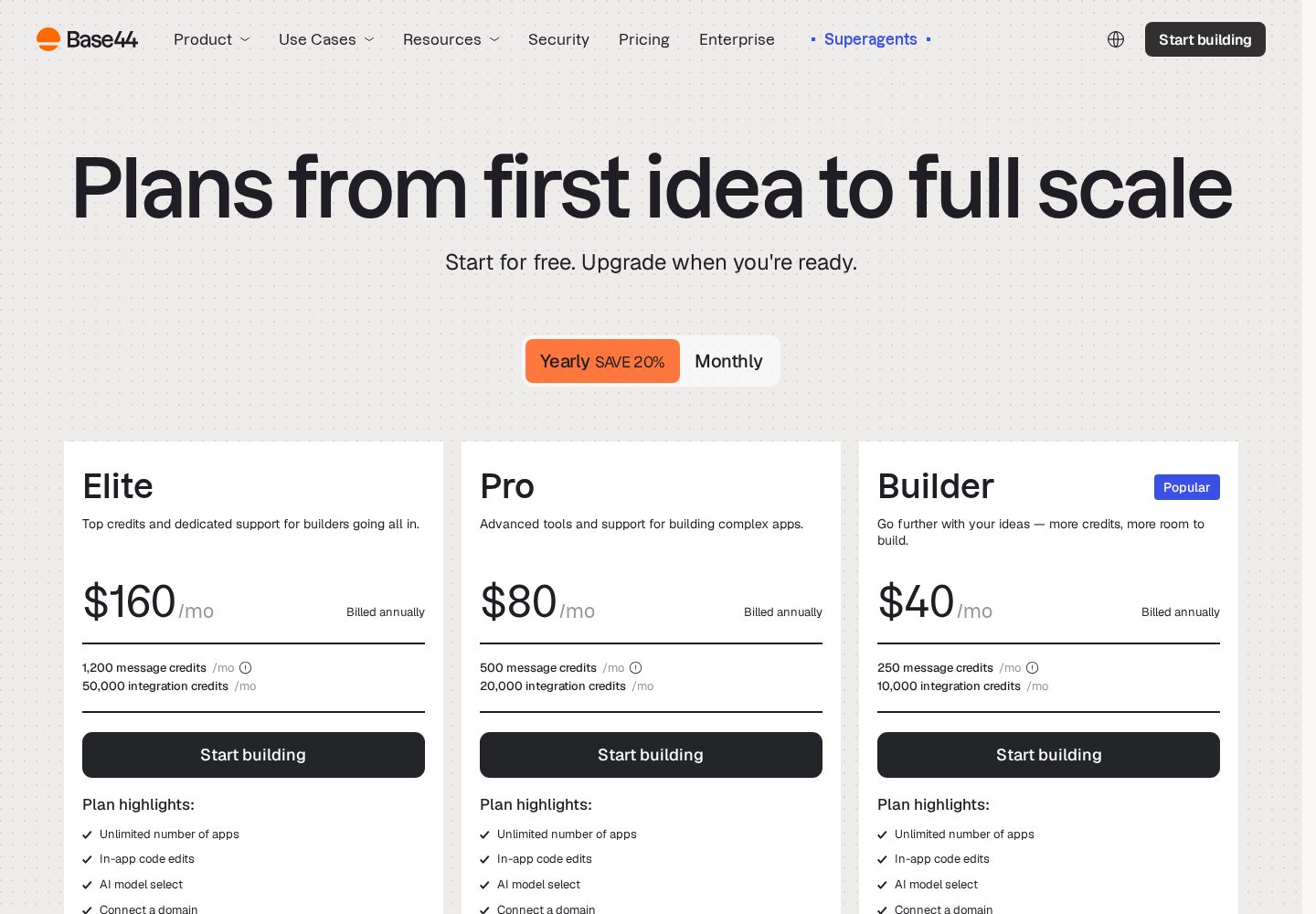
Free; paid plans from $16–$160/month billed annually, with separate message and integration credit limits
Ideal user:
Operations, HR and finance teams building internal tools, and non-technical founders who want screens plus data working quickly without touching infrastructure.
Best for: Creators and marketers who need cinematic AI video and images, not code
9.5/10
The right pick when the thing you are building is content, not software. Higgsfield bundles many of the best AI video and image models behind one prompt box with genuinely cinematic camera control — just go in knowing credits expire and heavy video use pushes you up the tiers quickly.
Key strengths
✓One subscription unlocks many leading video and image models instead of separate accounts
✓Cinematic camera controls produce genuinely film-like motion from a text prompt
✓Free plan lets you test the workflow before paying
✓Web, Canvas, CLI and MCP workflows fit both casual creators and production pipelines
Key weaknesses
−Not an app builder — it generates video and images, not applications
−Credits do not roll over and premium video burns through them quickly
Pricing:
Free plan with limited credits; Starter $19/month (270 credits); Plus $47/month (1,200 credits); Ultra $99/month (3,000 credits); Team plans available
Ideal user:
Content creators, marketers and filmmakers who want professional-looking AI video and images from prompts without managing several model subscriptions.
The no-code category used to mean a visual canvas: drag a button, bind it to a data source, configure a workflow in a panel of dropdowns. That model still exists, but it has been overtaken for most new projects by prompt-driven generation. Instead of assembling an app from components, you describe the app you want and the platform writes it, then you refine it in conversation. The skill has moved from learning one vendor's canvas to describing requirements clearly.
This is a real improvement for non-developers on two fronts. Output is no longer constrained to the component library the vendor shipped, so you are not stuck when your idea does not fit a template. And the result is standard software underneath — a normal front end, a normal database — so the project can graduate to a professional workflow instead of being trapped inside a proprietary runtime forever.
The trade-off is determinism. A drag-and-drop canvas does exactly what you configured. A generative builder interprets, and sometimes interprets differently from what you meant, which is why the platforms with the best error handling and the tightest feedback loop score highest for genuinely non-technical users. Knowing that going in changes how you work: small, specific requests beat one enormous prompt every time.
Why Base44 leads for non-developers
Base44 wins this category because the parts that usually force a non-developer to call for help are already inside the platform. Sign-up and login exist from the first build. There is a database you never have to provision. Permissions — who can see and edit what — are a platform concept rather than something you have to describe in code. For the archetypal no-code project, an app where members log in and interact with shared data, that removes every external dependency.
It is also the most testable. The free plan includes message and integration credits, up to five apps, and the built-in authentication, database and analytics, which is enough to build something real before deciding whether to pay. Starter is $16 a month billed annually and adds unlimited apps and in-app code edits; Builder at $40 adds two-way GitHub sync. That ladder lets a non-developer start free and only pay when the project is proven.
The honest caveat is the credit model. Base44 meters message credits for prompting and integration credits for what your app does at runtime, and a non-developer iterating heavily can burn through a monthly allowance faster than expected. Plan features before prompting, and treat a stalled app as a reason to rethink the request rather than to re-roll it ten more times.
The four things you still have to decide yourself
No-code removes the syntax, not the design work. Four decisions remain yours regardless of platform, and getting them wrong is the most common reason a promising no-code project stalls.
None of these require programming. They require thinking clearly about your own process before you ask a machine to automate it — which is the part no builder can do for you, and the part that separates people who ship with these tools from people who collect half-finished apps.
Your data structure: what things exist (members, submissions, categories) and how they relate. Get this wrong and every screen inherits the mistake.
Who can do what: which users can read, create, edit and delete each kind of record. Decide it before building, not after someone sees data they should not have.
The one job the app does: a focused tool that does one workflow well is achievable; a platform that does everything is where no-code projects go to die.
What happens when it breaks: who checks the app still works, and what the plan is when a change breaks a screen that used to work.
Where no-code builders stop being the right answer
The first ceiling is complexity. Once an app has dozens of interconnected screens and rules, prompt-driven changes start producing regressions — you ask for one thing and something unrelated breaks. This is the clearest signal that the project has outgrown the conversational workflow and needs a developer working in the code, which is why we weight code export so heavily even for readers who never intend to open an editor.
The second is anything with serious compliance or money attached. Payments, health data, regulated records and anything with an audit requirement need a review by someone who can read the implementation. A generated app can be perfectly correct and still be unverifiable by you, and 'the AI wrote it' is not an answer a regulator or an insurer accepts.
The third is scale of a specific kind: heavy background processing, large data volumes, or integrations with systems that have unusual authentication. These are not impossible on the platforms here, but they are the point where the time you save on screens is spent again on plumbing, and where hiring a developer for two weeks beats another month of prompting.
Our verdict for no-code builders
Base44 is the best no-code app builder for most people because it asks the least of you technically while still producing a real application with accounts, data and permissions. Start on the free plan, move to Starter at $16 a month billed annually when the project proves itself, and turn on GitHub sync at the Builder tier if it grows into something the business depends on.
Choose Lovable when appearance is part of the job — a public directory, a booking site, a customer-facing tool — because non-designers get a result that looks deliberate rather than generated, for $25 a month. Higgsfield belongs in this guide only for teams whose no-code need is AI video and image output rather than software; it is a content platform at $19–$99 a month and does not build apps.
Whichever you pick, the habit that matters most is small, specific requests and frequent checks that what worked yesterday still works today. No-code in 2026 gives a non-developer genuine reach; it rewards clear thinking far more than it rewards clever prompting.
Frequently asked questions
What is the best no-code app builder in 2026?+
Base44, for most people. You describe the app in plain language and get working screens with sign-up, a database and permissions included, so there is no second service to configure. It is free to start and $16 a month billed annually for the first paid tier.
Can I really build an app with no coding experience?+
Yes, for a focused app with accounts, data and a clear workflow. What you still have to do yourself is decide your data structure, decide who can do what, and keep the scope narrow. Those are thinking tasks, not coding tasks, and they determine whether the project finishes.
Is no-code the same as AI app building?+
They have largely merged. Traditional no-code meant a drag-and-drop canvas; the leading tools in 2026 generate the app from a description instead. The result is less constrained by templates and produces standard code underneath, which makes handing the project to a developer possible later.
Will I be able to hire a developer to take over later?+
With Base44, Lovable and Bolt.new, yes — they all give you the code, and Base44 syncs two ways with GitHub on Builder plans and above. Set that up even if you never look at the code; it is what makes a future handover a normal onboarding rather than a rewrite.
What can no-code builders not do?+
They struggle once an app becomes large and interconnected, because prompt-driven changes start causing regressions. They are also the wrong tool alone for regulated data, payments and audit requirements, where someone needs to be able to read and verify the implementation.
Our overall score is based on a weighted evaluation of product capabilities, usability, pricing and value, flexibility, and suitability for different types of users. Scores are editorial judgements based on publicly documented product information; where a criterion has not yet been verified for a platform, we mark it as pending rather than estimate it. We do not claim hands-on testing for any platform on this site until that testing has been carried out and published.
Ease of use
20%
How quickly a new user can get to a working result.
AI capabilities
20%
Quality and usefulness of the AI-driven building experience.
Flexibility
15%
Range of app types and structures the platform can produce.
Customisation
10%
How far the generated result can be shaped to a specific need.
Deployment & integrations
10%
Hosting, publishing and connections to other services.
Pricing & value
10%
What you get relative to what the platform costs.
Code ownership & export
8%
Whether you can take the resulting code with you.
Scalability & support
7%
Suitability beyond a prototype, and help when things break.
Additional criteria we consider per category: deployment options, integrations, code ownership and export, scalability, support quality and target audience fit.
Not Sure Which AI App Builder to Choose?
Get our free AI App Builder comparison guide.
No sign-up is required to read any comparison on this site.