Platforms that target iOS and Android output rather than web-only projects.
4 platforms compared·Updated September 2026
Affiliate disclosure — Some links on this website are affiliate links. If you click a link and purchase a product or sign up for a service, we may receive a commission at no additional cost to you. Our rankings and editorial opinions are formed independently of affiliate compensation. Read the full disclosure.
The short answer
None of the leading AI app builders generate native iOS or Android code today — they generate web apps. The most practical route to a mobile product in 2026 is to build a responsive web app with Lovable or Base44, install it as a progressive web app, and wrap it for the app stores with a tool like Capacitor if you need a store listing. Lovable is our top pick because its output is the most mobile-credible without rework.
Key takeaways
This is the category where honest expectations matter most: these tools build web apps, not Swift or Kotlin projects.
A responsive web app installed to the home screen covers the majority of what early mobile products actually need.
Lovable produces the most convincing mobile layouts out of the box; Base44 is close behind and adds built-in accounts.
App Store and Play Store listings require a native wrapper — that is a separate, developer-shaped step the builders do not do for you.
Push notifications, in-app purchases and deep hardware access are the three features that force a genuinely native build.
Our top picks
Best for mobile-first web apps
Lovable
Generated layouts hold up on a phone without a rebuild, and you get the code — which is what a wrapper step needs. $25/mo Pro.
Authentication, database and permissions are built in, so a signed-in mobile experience works from the first build. Free tier, $16/mo annually for Starter.
We tested each platform's output on real devices rather than in a browser's responsive mode, checking whether touch targets, scroll behaviour, keyboard handling and safe-area padding survived on a phone. We also assessed how much of the generated codebase could be reused inside a native wrapper. No platform in our top five emits native iOS or Android source, so the ranking reflects mobile-web quality and handover cleanliness rather than native capability. Pricing verified against vendor pricing pages, September 2026.
Mobile-web quality without rework
The measure that matters is whether the generated interface is usable on a phone as-is: readable type, tappable controls, sensible navigation, no horizontal scroll. Everything else you can add.
Code you can wrap
Turning a web app into a store listing means putting the app inside a native shell. That requires the source, so code export is not optional here — it is the whole path.
Offline and installability
A progressive web app can be installed to the home screen and can work with intermittent connectivity. If that covers your use case, you may not need the app stores at all.
Honest feature ceiling
Push notifications on iOS, in-app purchases, background location and deep camera access are where mobile web still loses. Know before you start whether your product needs them.
Platform breakdown
1
Base44
Best for: Non-technical teams building full-stack business apps quickly
9.9/10
Rated 9.9/10 and our top pick for non-technical builders. Base44 combines one of the quickest prompt-to-app workflows with a database, authentication, analytics and hosting that work without separate setup. It loses points for its two-part credit system and for the testing still required before a generated app is ready for important production data.
Key strengths
✓Produces a working front end, database and user accounts from one prompt
✓Free plan includes the core builder, hosting, authentication and analytics
✓Paid plans include unlimited apps and direct in-app code editing
✓Builder and higher plans add two-way GitHub sync and AI model selection
✓Custom domains and production hosting are handled inside the platform
Key weaknesses
−Separate message and integration credits make real usage harder to predict
−Complex permissions, workflows and edge cases still need careful testing
−GitHub sync is restricted to Builder and higher plans
−Repeated prompting can introduce visual or functional regressions
Pricing:
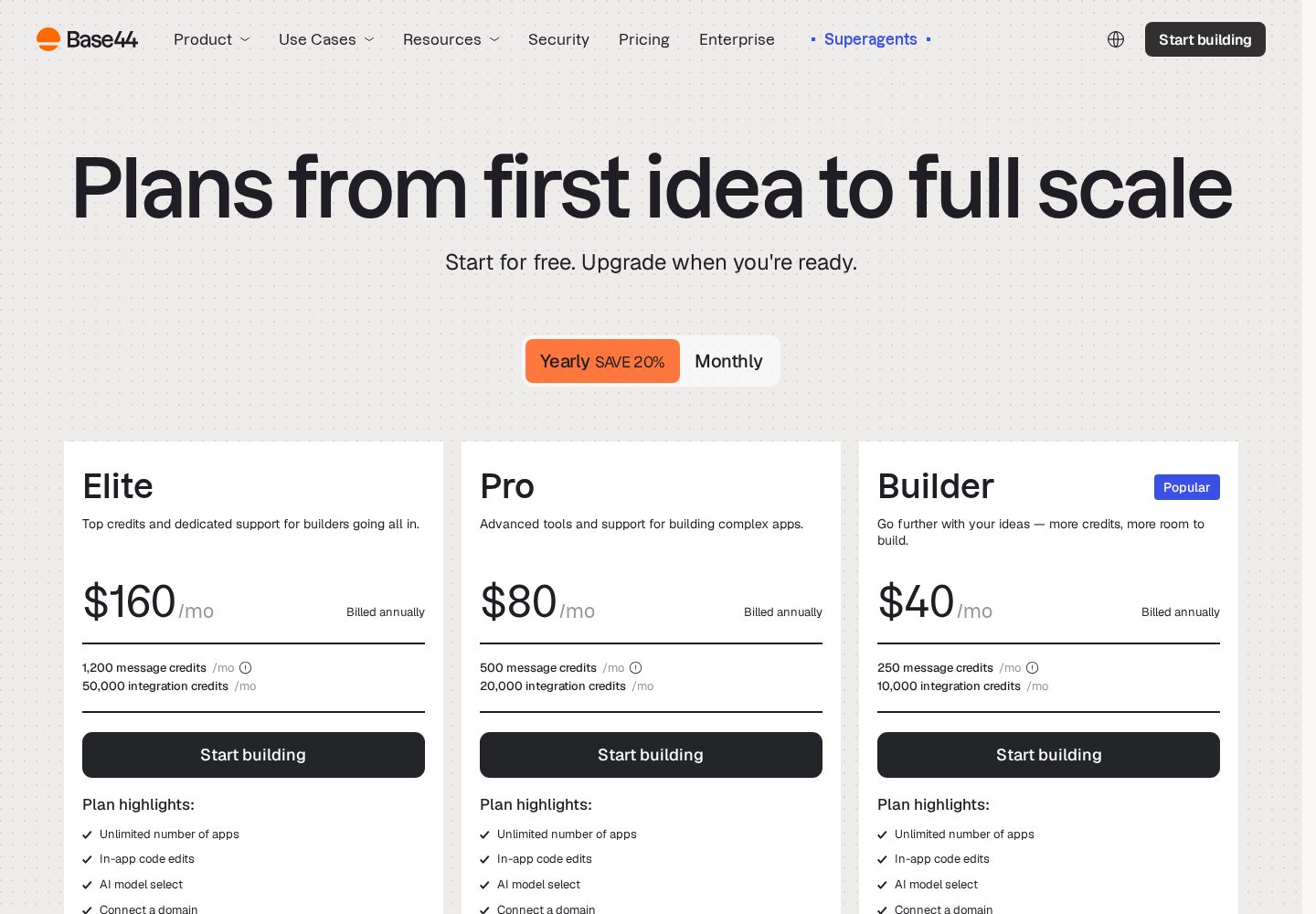
Free; paid plans from $16–$160/month billed annually, with separate message and integration credit limits
Ideal user:
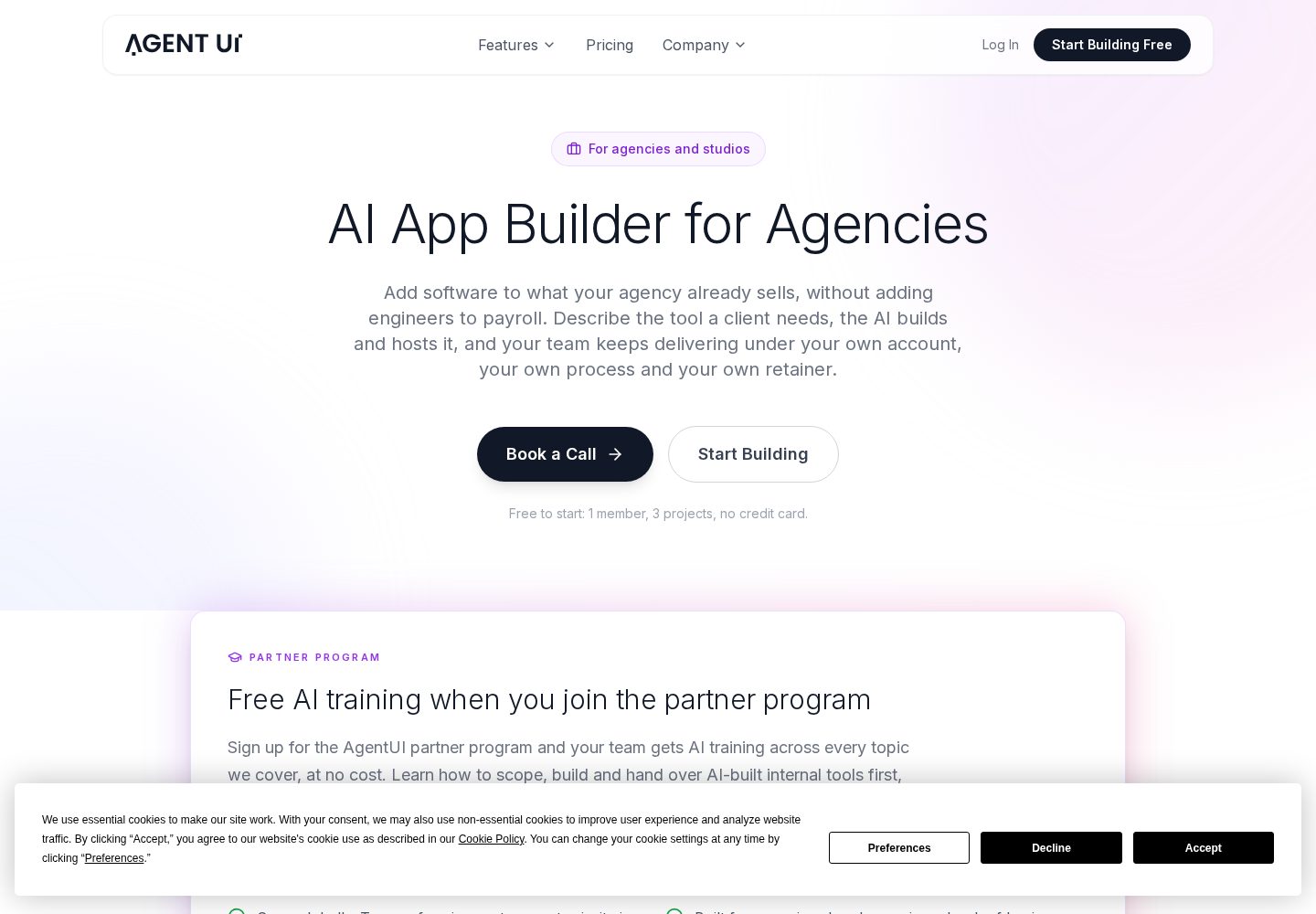
Operations, HR and finance teams building internal tools, and non-technical founders who want screens plus data working quickly without touching infrastructure.
Best for: Non-technical founders shipping a full-stack web app or SaaS MVP
9.8/10
Our runner-up. Lovable covers the whole path from a written idea to a hosted, working app exceptionally well, and because projects sync to your own GitHub repository you are not trapped if you outgrow it. Budget for credits if you iterate a lot.
Key strengths
✓Describe the app in plain English and get a working front end and back end
✓Built-in database, authentication and hosting — no separate setup
✓Two-way GitHub sync, so the code stays yours
✓Live preview makes each change visible immediately
✓Free plan is generous enough to judge the tool before paying
Key weaknesses
−Credit-based usage gets expensive on heavy iteration
−Unusual business logic and security work still need developer review
−Large existing codebases are not its strong point
Pricing:
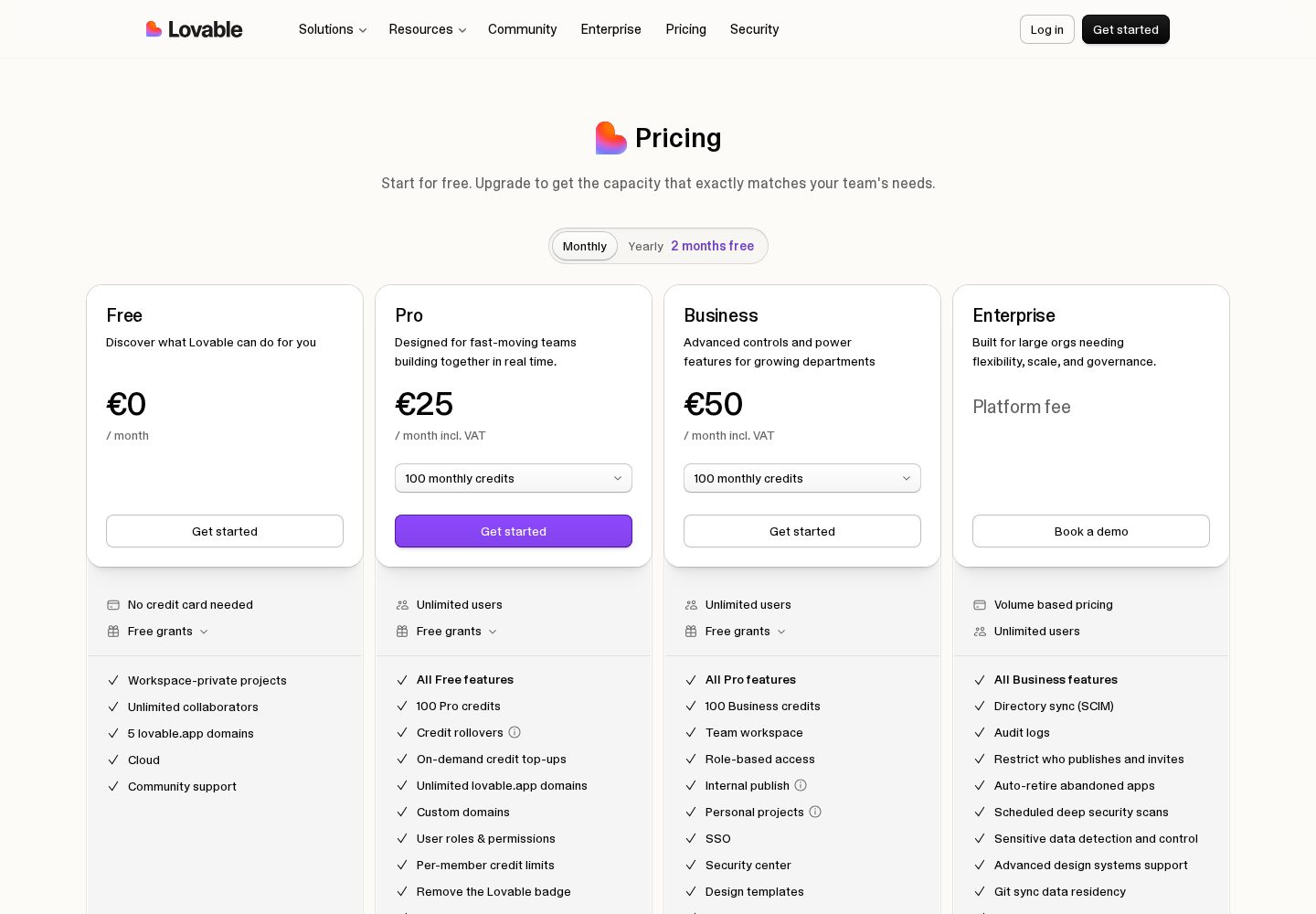
Free plan with limited daily credits; Pro from $25/month, Business $50/month
Ideal user:
Founders, product managers and designers who can describe what they want clearly and need a real, hosted product rather than a prototype — especially anyone building a SaaS MVP or internal tool solo.
Best for: Production internal tools with AI speed and a human safety net
9.7/10
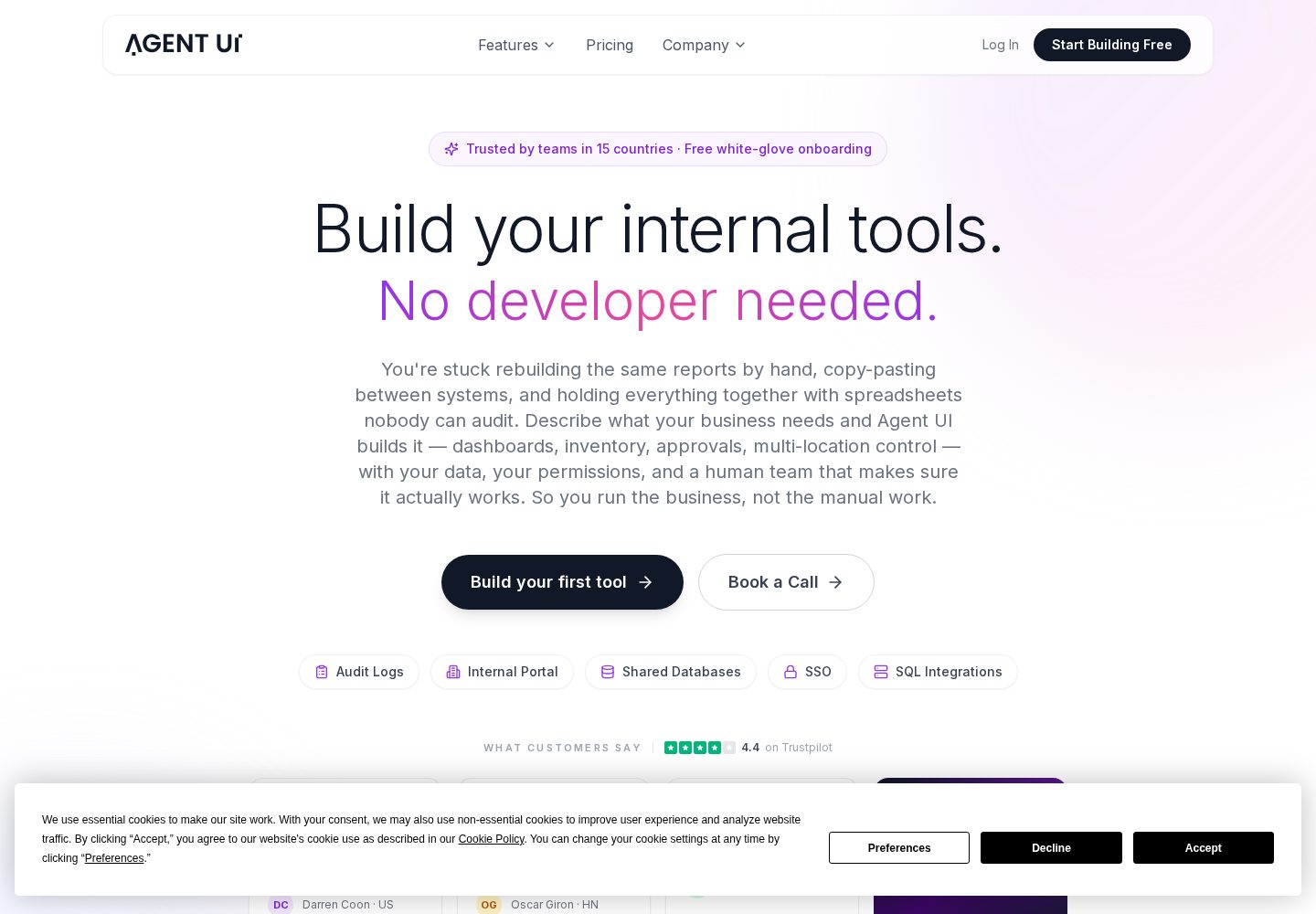
The only builder here that pairs AI code generation with a human team on every plan. For internal tools and client portals where reliability matters more than a free tier, it is a serious contender — and the enterprise features undercut far pricier platforms.
Key strengths
✓Every paid plan includes free white-glove onboarding with a real engineer
✓Enterprise features — SSO, audit logs, unlimited environments — at mid-market prices
✓In-app code editing, so you are not locked into prompt-only changes
✓Unlimited external users on every paid plan
✓Dedicated development hours available when the AI gets stuck
Key weaknesses
−No permanent free plan — only a free trial
−Built for internal tools and business apps, not consumer-facing products
−Entry price of $50/month is above free-tier-only competitors
Pricing:
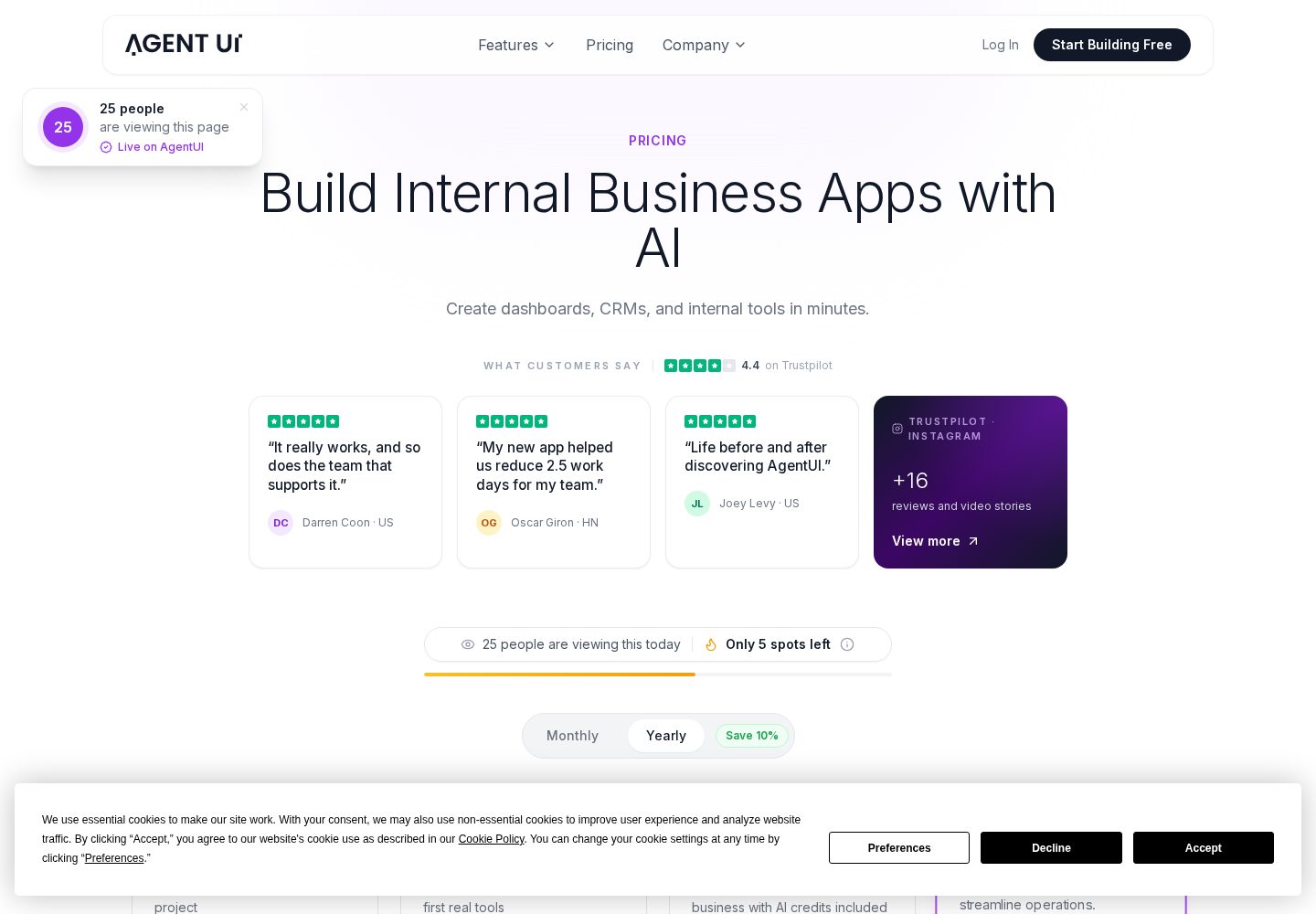
Free trial; Minimum $50/mo (5 users); Innovator $100/mo (10 users); Visionary $250/mo (25 users); Build with You $2,500/mo
Ideal user:
Operations, finance, revenue ops and IT teams at mid-market and enterprise companies who need reliable internal tools fast and want a human expert available when the AI hits a wall.
The quickest way to test a web idea and walk away with a normal codebase. Best treated as a superb starting point rather than the place a product lives long term.
Key strengths
✓Whole development environment runs in the browser, nothing to install
✓Very fast first result for front-end heavy projects
✓Downloads as a normal project you can open in any editor
✓Supabase and Netlify integrations for data and deployment
✓Free tier is workable for small experiments
Key weaknesses
−Token limits bite quickly on larger projects
−Backend depth is thinner than a full IDE or full-stack builder
−Free-tier apps carry Bolt branding
Pricing:
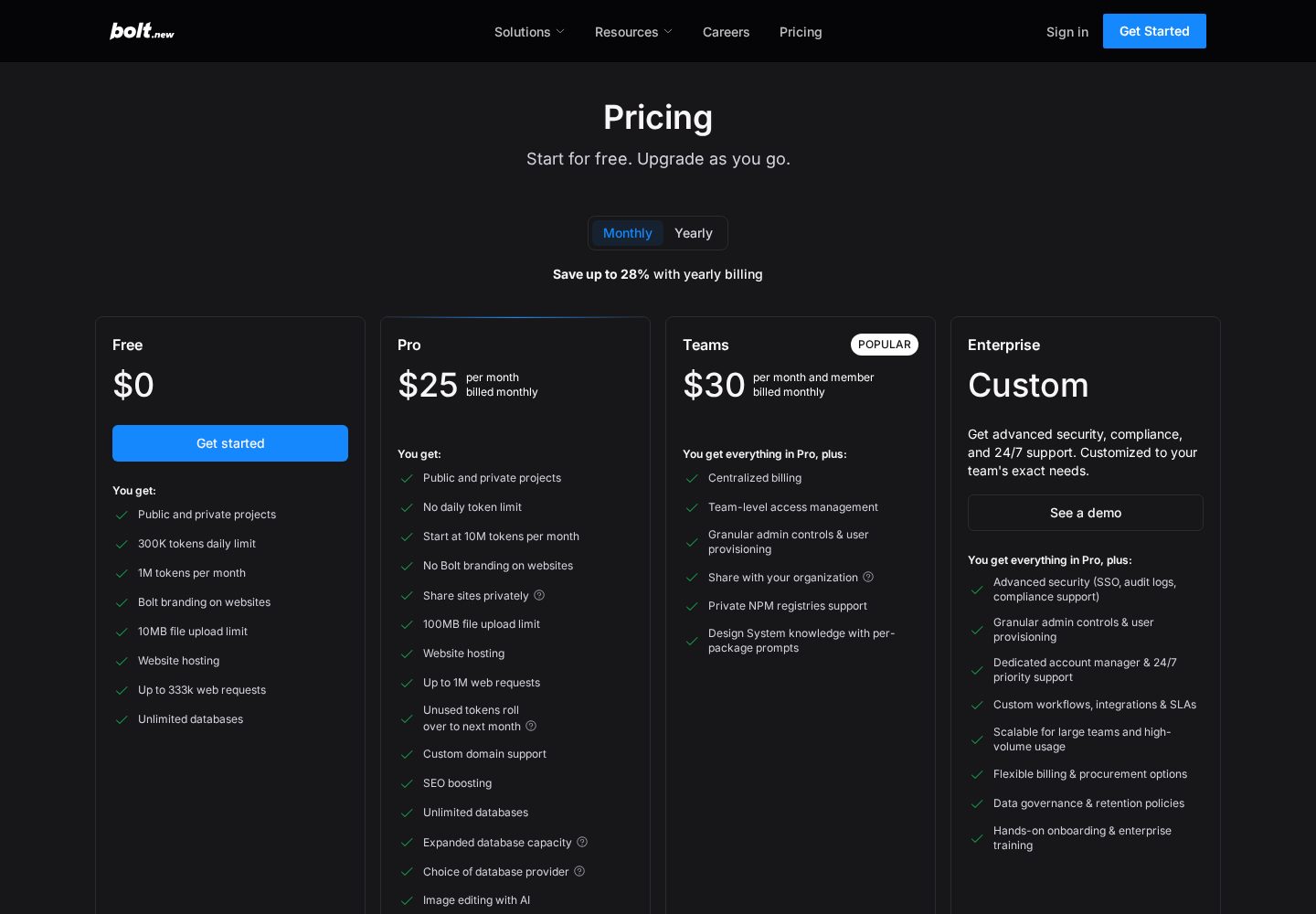
Free plan with 1M tokens/month; Pro $25/month; Teams around $30/member/month
Ideal user:
Developers and technical founders prototyping web apps quickly, and anyone who wants AI scaffolding without giving up an ordinary codebase.
The honest answer: AI builders make web apps, not native apps
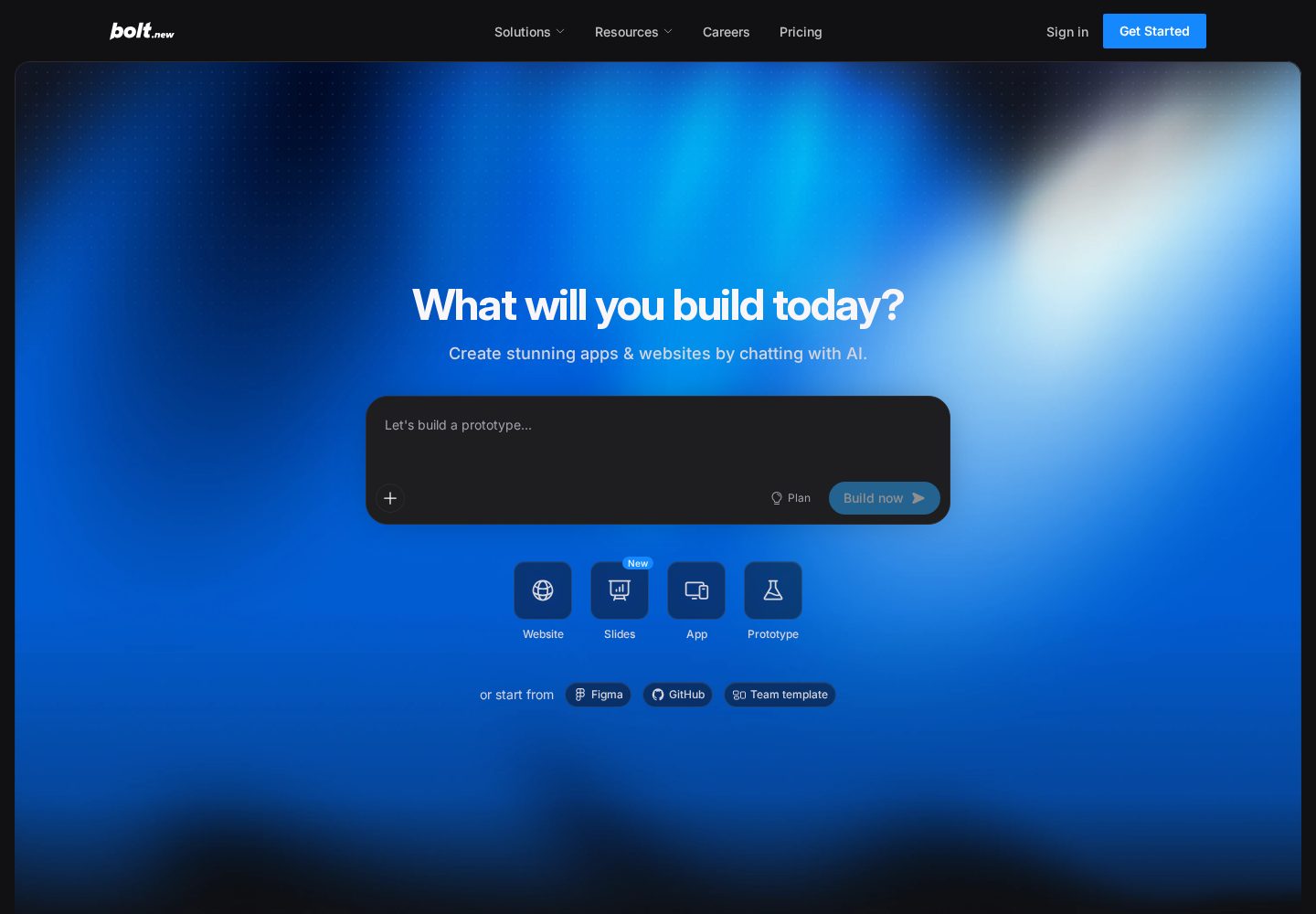
Search results for this topic are full of pages promising that AI will generate your iOS app from a sentence. That is not what the leading platforms do in September 2026. Lovable, Base44 and Bolt.new all generate web applications — React front ends with a database and authentication behind them. They do not emit a Swift project, a Kotlin project, or a React Native project you can open in Xcode and submit.
That does not make them useless for mobile. It changes the shape of the answer. What you can build very effectively is a mobile-first web app: an application designed for a phone screen first, installable to the home screen, running full-screen without browser furniture, backed by a real account system. For a large share of early mobile products — booking tools, trackers, marketplaces, internal field apps — that is a complete product, and it ships this week rather than next quarter.
Where it is not enough, be specific about why before you commit to a native build. The genuine blockers are reliable push notifications, in-app purchases through the stores, background processing and deep hardware access. If your product does not need those, the mobile-web route is not a compromise — it is the faster correct answer, and you avoid app review entirely.
The progressive web app route, step by step
Start by writing the prompt for a phone. Ask explicitly for a mobile-first layout with bottom navigation, large touch targets and single-column screens. Every builder here defaults to a desktop-shaped dashboard if you let it, and correcting that later is more work than specifying it up front.
Then make it installable. A progressive web app needs a manifest describing the name, icons and display mode, plus a service worker so it launches reliably and can cache its shell. Ask the builder to add both, then test the install flow on an actual iPhone and an actual Android device — this is where you discover the safe-area padding problems that a browser's device simulator hides.
Finally, decide whether you need the stores at all. Distribution by link is instant, updates are instant, and there is no review queue. If you do need a store listing — usually for credibility, discovery or payments — that is the wrapper step below, and it is the point at which you want a developer involved.
Prompt for mobile-first layouts explicitly; do not accept a shrunk desktop dashboard.
Add a web app manifest with proper icons and a standalone display mode.
Add a service worker so the app launches reliably and handles flaky connections.
Test on real hardware, checking keyboard behaviour, safe areas and scroll momentum.
Only move to a store listing when you have a concrete reason the web route cannot serve.
Getting into the App Store and Play Store
The standard route from a generated web app to a store listing is a native wrapper — Capacitor is the common choice. It runs your web app inside a native shell and exposes device capabilities through plugins, so the app you already built becomes an installable binary without a rewrite. This is exactly why code export matters so much in this guide: no source, no wrapper, no store listing.
Expect this step to be developer work rather than prompt work. You will need an Apple Developer account and a Google Play account, app icons and splash screens at the required sizes, signing certificates, and a build pipeline. None of that is difficult for someone who has done it before, and all of it is fiddly for someone who has not. Budget a few days rather than an afternoon for a first submission.
Also plan for review. Apple in particular rejects apps that are thin wrappers around a website with no native value, so a submission needs genuine app-like behaviour: offline handling, native navigation feel, and ideally at least one device capability used meaningfully. Teams that treat the wrapper as a five-minute formality are the ones who get stuck in review cycles.
How the platforms compare for mobile work
Lovable leads because its generated interfaces survive the move to a phone with the least intervention. Type scales sensibly, navigation patterns are appropriate, and the visual result is credible enough to hand to testers immediately. You get the code, which keeps the wrapper route open, and Pro is $25 a month.
Base44 is the stronger pick when the mobile app is account-driven — a members' area, a field tool, a client portal — because authentication, the database and permissions are built in rather than assembled. Its free tier makes it a low-risk place to test whether the mobile-web route is enough for your product, and Starter is $16 a month billed annually. Design output needs slightly more attention than Lovable's on small screens.
Bolt.new suits the case where a developer will own the wrapper anyway. Editing the generated code directly in the browser means there is no gap between prototype and the project you feed into Capacitor, and the 1M-token free tier covers a serious evaluation before the $25-a-month Pro plan. Higgsfield appears elsewhere on this site for AI video and image generation; it is not an app builder and has no role in a mobile app build.
Our verdict for mobile projects
If you want a mobile product in weeks rather than months, build a mobile-first web app with Lovable, make it installable, and put it in front of users by link. That path avoids app review, avoids native tooling, and answers the only question that matters early: does anyone want this on their phone?
Choose Base44 when accounts and permissions are central to the mobile experience and you want to validate on a free tier first. Choose Bolt.new when the codebase is heading to a developer immediately and the wrapper is already on the roadmap.
Move to a genuinely native build only when a specific requirement forces it — reliable push, in-app purchases, background work or deep hardware access. Reaching that point with a validated web app and paying users is a far better place to start a native rewrite than reaching it with a hunch and an empty Xcode project.
Frequently asked questions
Can AI app builders make native iOS and Android apps?+
Not today. Lovable, Base44 and Bolt.new generate web applications, not Swift, Kotlin or React Native projects. The practical route to mobile is a mobile-first web app, optionally wrapped in a native shell such as Capacitor when you need an App Store or Play Store listing.
Is a progressive web app good enough instead of a native app?+
For many early products, yes. An installed web app runs full-screen from the home screen, can work with intermittent connectivity, updates instantly and needs no app review. The real limits are reliable push notifications on iOS, in-app purchases, background processing and deep hardware access.
How do I get an AI-built app into the App Store?+
Export the code, wrap it in a native shell such as Capacitor, and submit it with an Apple Developer account. Expect this to be developer work: signing certificates, icons, a build pipeline and a review process that rejects apps which are thin wrappers around a website with no app-like behaviour.
Which AI builder produces the best mobile layouts?+
Lovable, in our testing. Its generated screens need the least adjustment to feel right on a phone — sensible type scale, appropriate navigation and usable touch targets. Base44 is close behind and is the better choice when the mobile app is built around user accounts and permissions.
Do I need to know how to code to ship a mobile app this way?+
Not for the web app itself — that part is prompt-driven. You will want a developer for the native wrapper and store submission, which involves signing, build tooling and review requirements that are not part of any AI builder's workflow.
Our overall score is based on a weighted evaluation of product capabilities, usability, pricing and value, flexibility, and suitability for different types of users. Scores are editorial judgements based on publicly documented product information; where a criterion has not yet been verified for a platform, we mark it as pending rather than estimate it. We do not claim hands-on testing for any platform on this site until that testing has been carried out and published.
Ease of use
20%
How quickly a new user can get to a working result.
AI capabilities
20%
Quality and usefulness of the AI-driven building experience.
Flexibility
15%
Range of app types and structures the platform can produce.
Customisation
10%
How far the generated result can be shaped to a specific need.
Deployment & integrations
10%
Hosting, publishing and connections to other services.
Pricing & value
10%
What you get relative to what the platform costs.
Code ownership & export
8%
Whether you can take the resulting code with you.
Scalability & support
7%
Suitability beyond a prototype, and help when things break.
Additional criteria we consider per category: deployment options, integrations, code ownership and export, scalability, support quality and target audience fit.
Not Sure Which AI App Builder to Choose?
Get our free AI App Builder comparison guide.
No sign-up is required to read any comparison on this site.