Code-first platforms and agents aimed at developers rather than visual builders.
3 platforms compared·Updated September 2026
Affiliate disclosure — Some links on this website are affiliate links. If you click a link and purchase a product or sign up for a service, we may receive a commission at no additional cost to you. Our rankings and editorial opinions are formed independently of affiliate compensation. Read the full disclosure.
The short answer
Bolt.new is the best AI coding agent for developers because everything runs in the browser, you can read and edit the generated code directly as the agent works, and the free tier includes 1M tokens a month before the $25-a-month Pro plan. Lovable is the stronger choice when the agent should own a full-stack app you will keep shipping, and Base44 fits developer-adjacent teams who want the backend handled for them.
Key takeaways
The distinction that matters is whether you can see and change the code mid-flight — that is what separates an agent from a generator.
Bolt.new is the most code-transparent platform in our top five, which makes it the natural pick for people who can read what the AI writes.
Agents are strongest on greenfield work and weakest on large existing codebases with implicit conventions.
Token and credit consumption is the real cost driver; context-heavy regeneration is where budgets disappear.
Review every diff. The most expensive failures in agent-assisted work are the plausible-looking changes nobody read.
Our top picks
Best AI coding agent overall
Bolt.new
Full in-browser development with direct code editing while the agent works — 1M free tokens a month, $25/mo Pro.
For coding agents we weighted code transparency, the quality of the generated architecture, how the agent behaves when a change breaks something, and how cleanly the work moves into a normal Git workflow. We gave each platform the same task — add an authenticated API endpoint with validation and tests to an existing project — and read every line of the resulting diff rather than judging on whether the app ran. Pricing was verified against vendor pricing pages in September 2026.
Code transparency
Can you see the file tree, read the diff, and edit directly while the agent is working? A black box that only outputs a running app is a generator, not an agent you can supervise.
Architecture quality
Judge the shape of what it writes, not whether it runs. Sensible module boundaries, real validation and honest error handling are what determine whether the second month of work is pleasant.
Recovery behaviour
Every agent breaks something eventually. The useful ones notice, explain what failed and propose a targeted fix; the frustrating ones rewrite half the app and call it done.
Git workflow fit
Branches, reviewable diffs and two-way sync decide whether the agent is a teammate or a liability on a project with more than one person.
Platform breakdown
2
Lovable
Best for: Non-technical founders shipping a full-stack web app or SaaS MVP
9.8/10
Our runner-up. Lovable covers the whole path from a written idea to a hosted, working app exceptionally well, and because projects sync to your own GitHub repository you are not trapped if you outgrow it. Budget for credits if you iterate a lot.
Key strengths
✓Describe the app in plain English and get a working front end and back end
✓Built-in database, authentication and hosting — no separate setup
✓Two-way GitHub sync, so the code stays yours
✓Live preview makes each change visible immediately
✓Free plan is generous enough to judge the tool before paying
Key weaknesses
−Credit-based usage gets expensive on heavy iteration
−Unusual business logic and security work still need developer review
−Large existing codebases are not its strong point
Pricing:
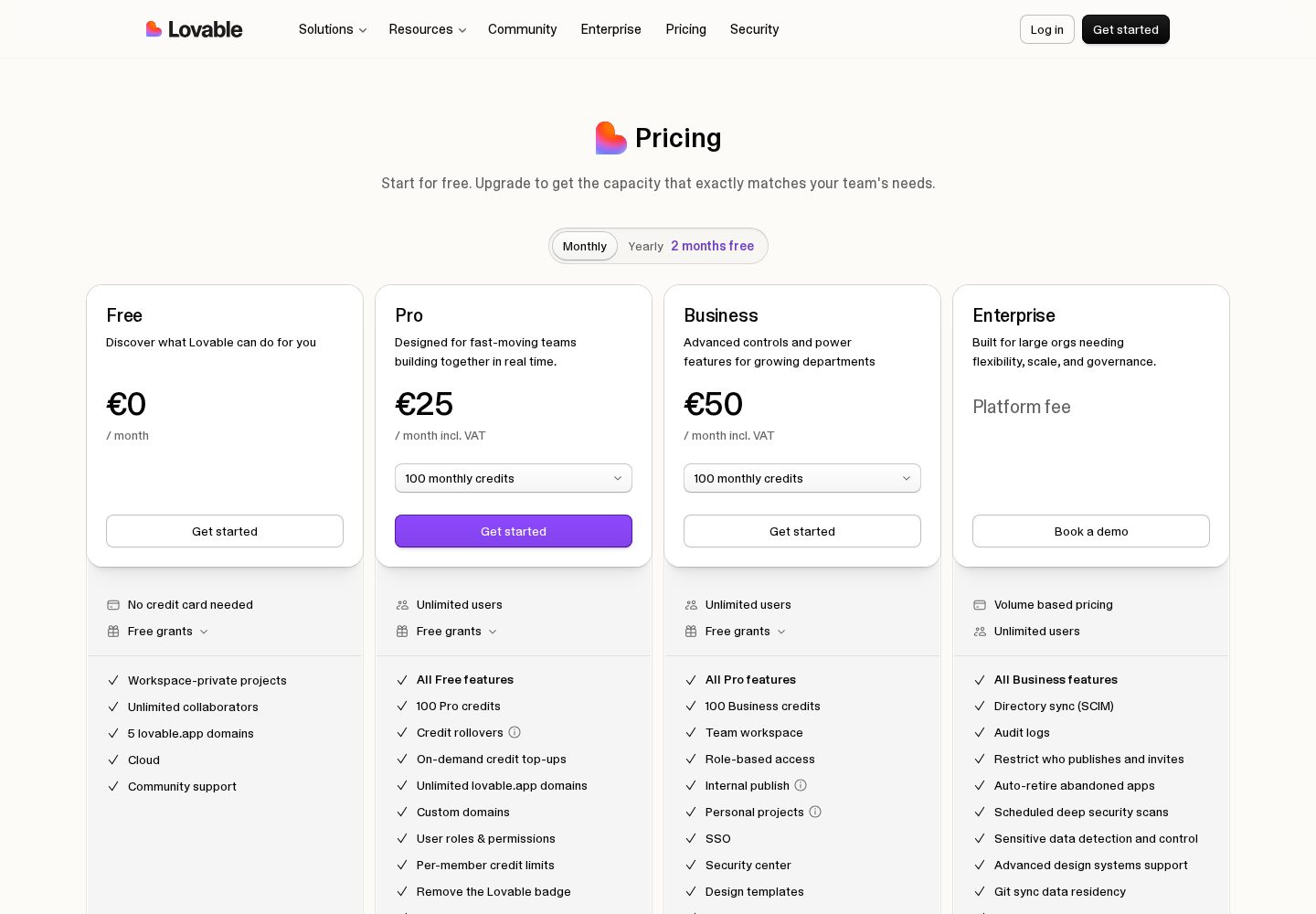
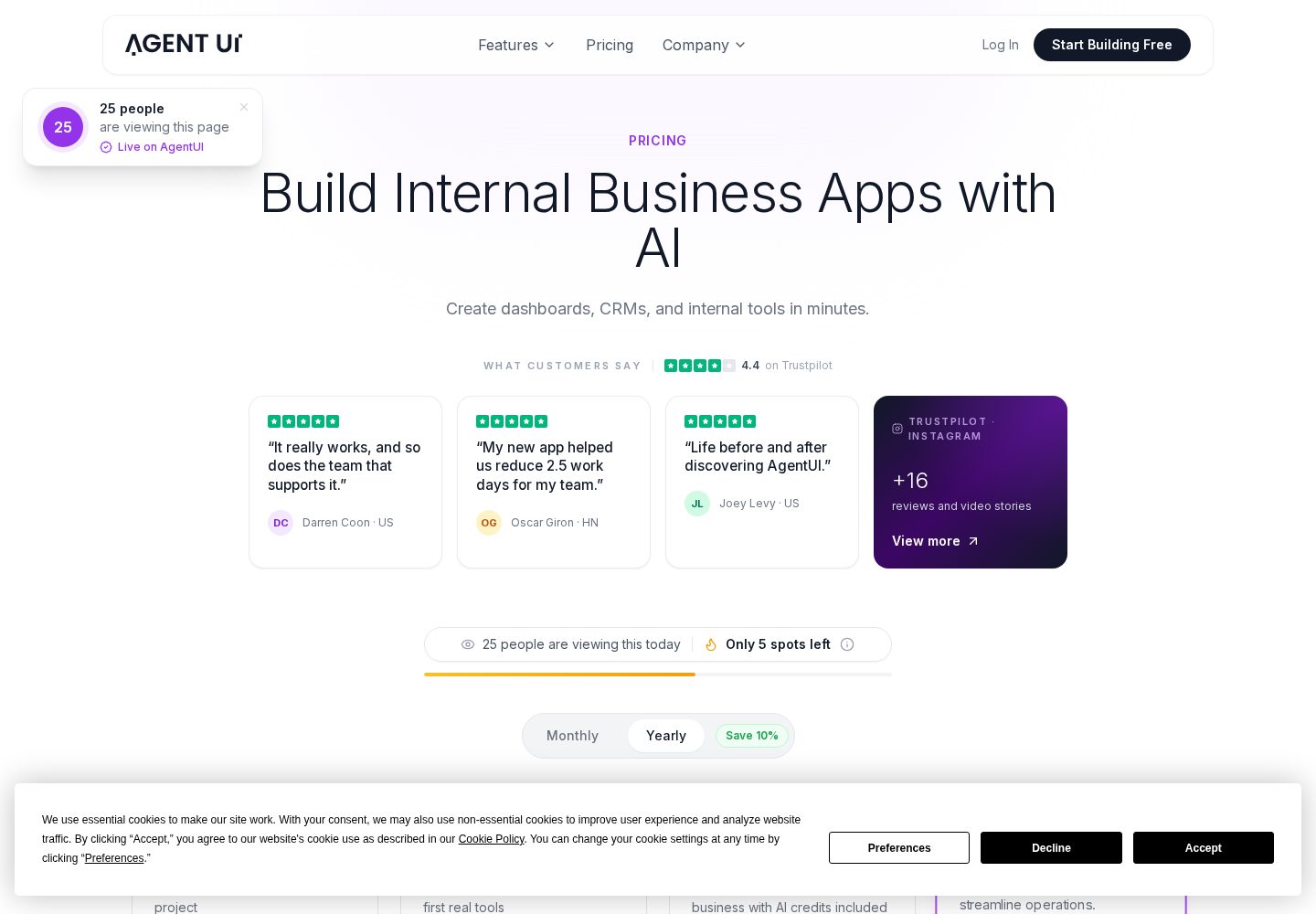
Free plan with limited daily credits; Pro from $25/month, Business $50/month
Ideal user:
Founders, product managers and designers who can describe what they want clearly and need a real, hosted product rather than a prototype — especially anyone building a SaaS MVP or internal tool solo.
Best for: Production internal tools with AI speed and a human safety net
9.7/10
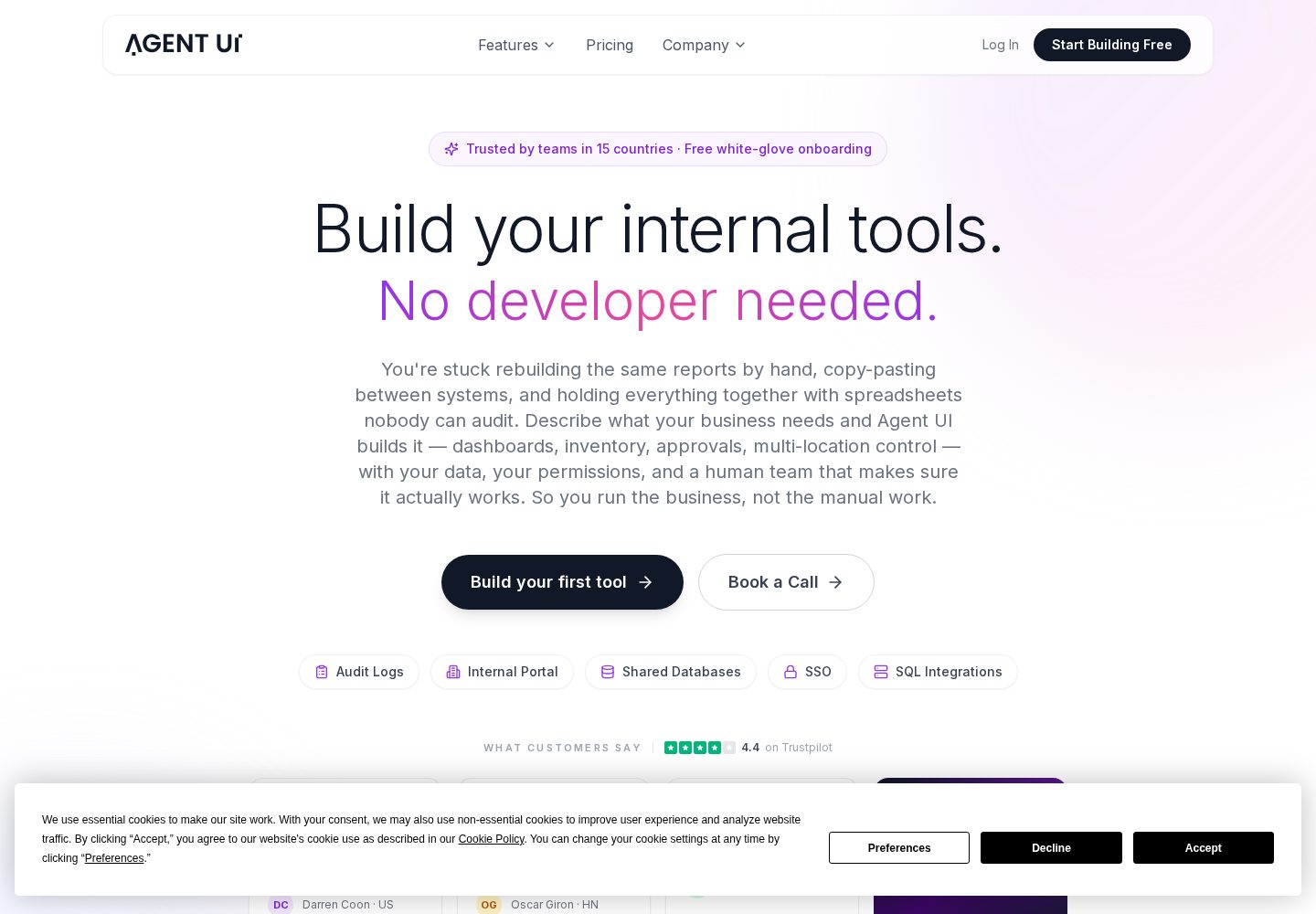
The only builder here that pairs AI code generation with a human team on every plan. For internal tools and client portals where reliability matters more than a free tier, it is a serious contender — and the enterprise features undercut far pricier platforms.
Key strengths
✓Every paid plan includes free white-glove onboarding with a real engineer
✓Enterprise features — SSO, audit logs, unlimited environments — at mid-market prices
✓In-app code editing, so you are not locked into prompt-only changes
✓Unlimited external users on every paid plan
✓Dedicated development hours available when the AI gets stuck
Key weaknesses
−No permanent free plan — only a free trial
−Built for internal tools and business apps, not consumer-facing products
−Entry price of $50/month is above free-tier-only competitors
Pricing:
Free trial; Minimum $50/mo (5 users); Innovator $100/mo (10 users); Visionary $250/mo (25 users); Build with You $2,500/mo
Ideal user:
Operations, finance, revenue ops and IT teams at mid-market and enterprise companies who need reliable internal tools fast and want a human expert available when the AI hits a wall.
The quickest way to test a web idea and walk away with a normal codebase. Best treated as a superb starting point rather than the place a product lives long term.
Key strengths
✓Whole development environment runs in the browser, nothing to install
✓Very fast first result for front-end heavy projects
✓Downloads as a normal project you can open in any editor
✓Supabase and Netlify integrations for data and deployment
✓Free tier is workable for small experiments
Key weaknesses
−Token limits bite quickly on larger projects
−Backend depth is thinner than a full IDE or full-stack builder
−Free-tier apps carry Bolt branding
Pricing:
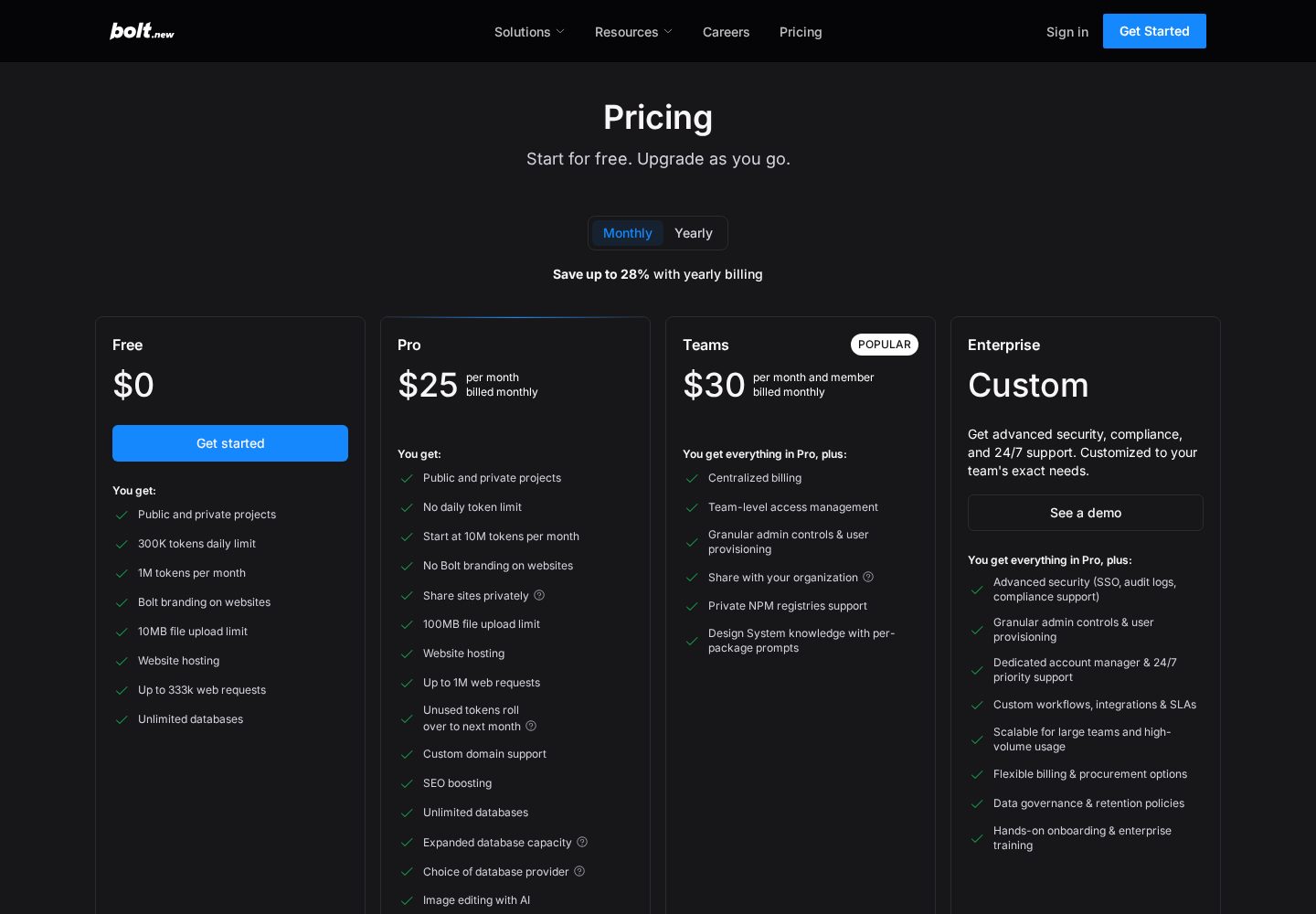
Free plan with 1M tokens/month; Pro $25/month; Teams around $30/member/month
Ideal user:
Developers and technical founders prototyping web apps quickly, and anyone who wants AI scaffolding without giving up an ordinary codebase.
The two categories overlap but optimise for different users. An app builder aims to remove the code from your experience entirely: you describe an outcome and the platform handles the implementation, ideally without ever showing you a file. A coding agent assumes you can read code and optimises for velocity with supervision — it writes, you review, you correct, it continues.
That difference changes what 'good' means. For a builder, a good result is an app that works and looks right. For an agent, a good result is a diff you would have approved in code review: appropriate abstractions, real input validation, errors handled rather than swallowed, and no mysterious dependency added to solve a five-line problem. An agent that produces a working app with an unreviewable diff has failed at the actual job.
It also changes who should use which. If you cannot read the output, an agent's transparency is wasted on you and you will be happier with a builder that handles the backend. If you can, a builder's abstraction becomes a wall between you and the fix you already know how to make. Pick for the seat you are sitting in, not for the marketing category.
Why Bolt.new leads for developers
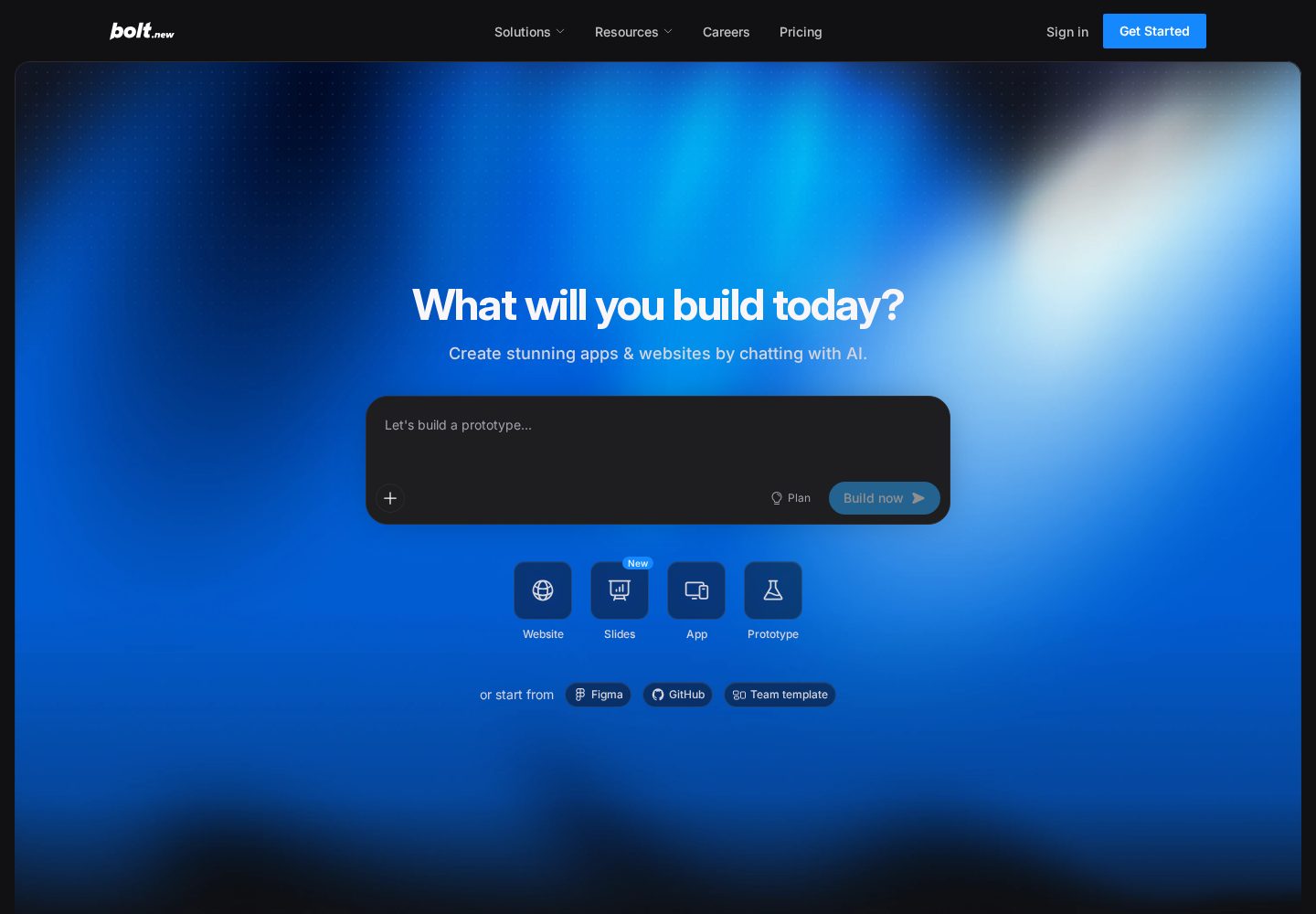
Bolt.new's defining property is that the whole development environment lives in the browser and stays open to you. You see the file tree, you read what the agent wrote, and you can edit it directly instead of prompting your way around a line you could fix in ten seconds. For a developer, that single property outweighs most feature comparisons, because the bottleneck in agent-assisted work is correction speed, not generation speed.
The free tier — 1M tokens a month — is enough to evaluate it properly on a real task rather than a toy, and Pro at $25 a month matches Lovable's price for continuous work. In our endpoint test, the generated code was readable and the structure was conventional, which matters more than cleverness: conventional code is code your team can review.
Its weaknesses are the category's weaknesses. Context windows mean that on a larger project the agent does not hold your whole codebase in mind, so it can reintroduce patterns you have already replaced. Token consumption climbs quickly during heavy iteration because each round re-reads context. Both are manageable with discipline — small scoped tasks, clear instructions about existing conventions — and both are worse if you treat the agent as an oracle rather than a fast junior.
A working workflow for agent-assisted development
The teams getting real leverage out of coding agents follow a recognisable pattern, and it looks much more like normal engineering than the demos suggest. The agent is fast; your job is to keep it pointed at well-defined work and to keep the quality bar where it was before you hired it.
The discipline that pays for itself fastest is reading the diff. The failure mode of agent-assisted development is not obviously broken code — you notice that immediately. It is plausible code that handles the happy path, silently swallows an error, and fails in production three weeks later in a way nobody can trace back to the afternoon it was generated.
Scope each task to something you could describe to a junior developer in three sentences.
Tell the agent the conventions of the existing project explicitly; it cannot infer what it cannot see.
Work on a branch and commit at every working state, so a bad generation costs minutes rather than a day.
Read every line of the diff before accepting it, especially error handling and anything touching authentication or data access.
Ask for tests in the same task, not afterwards — retrofitted tests tend to assert whatever the code already does.
When the agent loops on the same failure twice, stop and fix it yourself; a third attempt almost never works and costs tokens.
Where coding agents still fall short
Large existing codebases remain the hardest case. Agents work from what fits in their context, so a mature project with implicit conventions, historical decisions and cross-cutting concerns will get changes that are locally correct and globally wrong. The mitigation is aggressive scoping and explicit instruction, not a better prompt.
Security-sensitive work is the second gap. Authentication flows, access rules, token handling and anything touching payments need a human who understands the threat model, because generated code tends to implement the described behaviour rather than the undescribed constraint. 'Only the owner can edit this record' is a sentence an agent will happily satisfy in the interface while leaving the server endpoint open.
The third is judgement about what not to build. An agent asked for a feature will build that feature, including when the right answer was to simplify the data model or delete the requirement. That remains the most valuable thing a senior engineer does, and no platform in this comparison does it for you.
Our verdict for AI coding agents
Bolt.new is our pick for developers who want an agent they can supervise line by line, with a free tier that supports a genuine evaluation and Pro at $25 a month for sustained work. The in-browser environment with direct code editing is the feature that most reduces friction in day-to-day use.
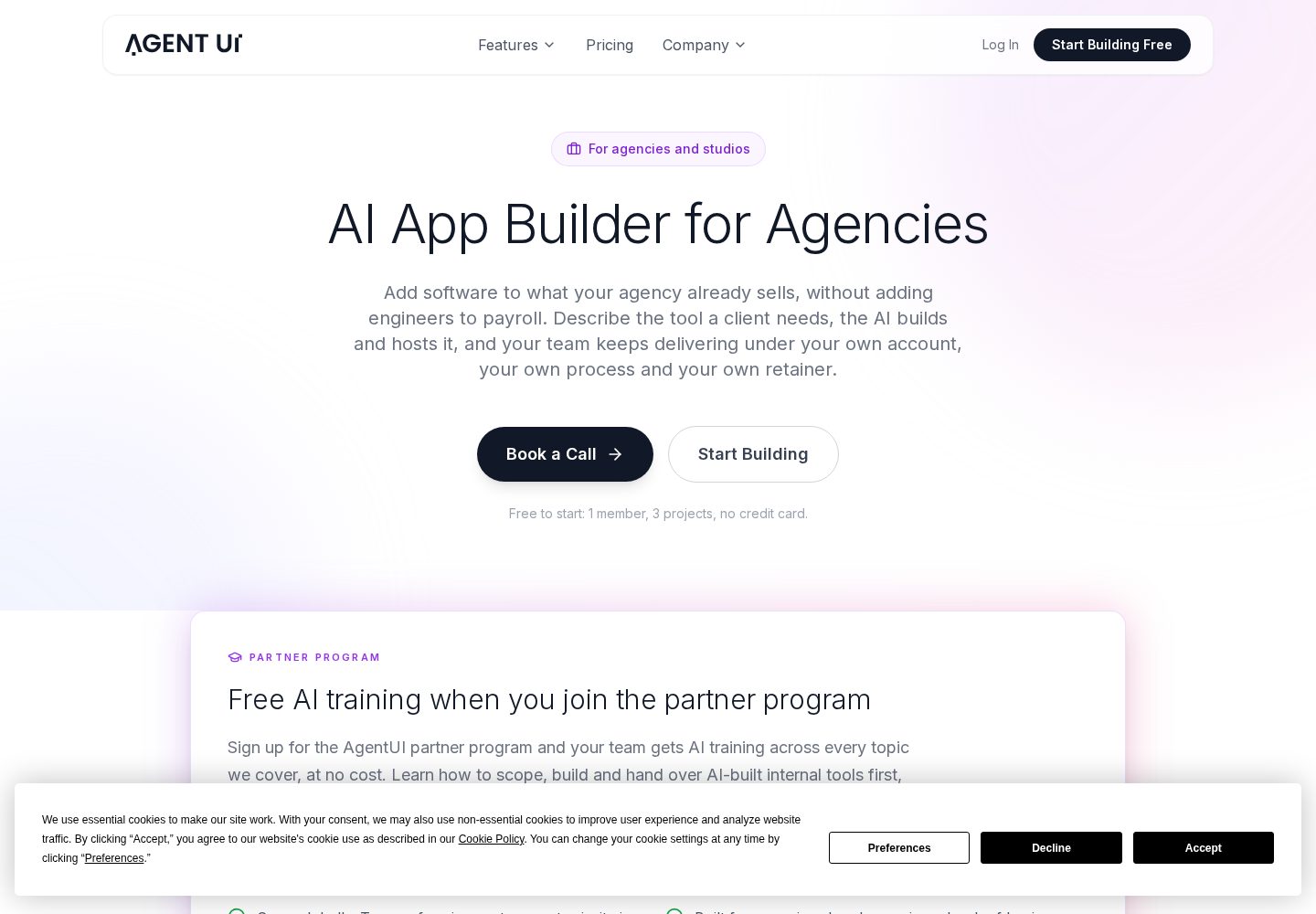
Lovable is the better choice when you want the agent to own a full-stack application — including authentication, database and deployment — while still handing over a codebase you can take elsewhere, at $25 a month for Pro or $50 for Business. AgentUI is the option for organisations rather than individuals: seat-based plans from $50 a month up to $2,500 a month, aimed at teams building internal tooling with governance around it, and with no free tier to trial.
The common thread across all three is that supervision is not optional. Used as a fast collaborator whose work you read, an agent is a large, real productivity gain. Used as an oracle whose output you deploy unread, it is a way to accumulate problems faster than you previously could — and that difference is a workflow choice, not a platform choice.
Frequently asked questions
What is the best AI coding agent for developers?+
Bolt.new, because the full development environment runs in the browser and you can read and edit the generated code directly while the agent works. That correction speed matters more day to day than raw generation quality. It offers 1M free tokens a month and Pro at $25 a month.
What is the difference between an AI coding agent and an AI app builder?+
An app builder hides the code and optimises for a working result without technical involvement. A coding agent assumes you can read code and optimises for supervised speed — you review the diff, correct it and continue. Choose based on whether you can read the output; the transparency is wasted if you cannot.
Can AI coding agents work on an existing codebase?+
Yes, but this is their weakest area. They operate on what fits in their context, so a mature project with implicit conventions gets changes that are locally correct and globally inconsistent. Scope tasks tightly, state the project's conventions explicitly, and review every diff.
Are AI coding agents safe to use on production code?+
Only with review. Generated code implements the behaviour you described, not the constraints you did not mention, which is why authentication, access rules and payment logic need a human who understands the threat model. Work on branches, commit at every working state, and read the diff before merging.
How much do AI coding agents cost?+
Bolt.new is free for 1M tokens a month with Pro at $25; Lovable is $25 a month for Pro and $50 for Business; AgentUI is seat-based from $50 a month up to $2,500 a month for larger organisations and has no free plan. Token or credit consumption during heavy iteration is usually the larger variable cost.
Our overall score is based on a weighted evaluation of product capabilities, usability, pricing and value, flexibility, and suitability for different types of users. Scores are editorial judgements based on publicly documented product information; where a criterion has not yet been verified for a platform, we mark it as pending rather than estimate it. We do not claim hands-on testing for any platform on this site until that testing has been carried out and published.
Ease of use
20%
How quickly a new user can get to a working result.
AI capabilities
20%
Quality and usefulness of the AI-driven building experience.
Flexibility
15%
Range of app types and structures the platform can produce.
Customisation
10%
How far the generated result can be shaped to a specific need.
Deployment & integrations
10%
Hosting, publishing and connections to other services.
Pricing & value
10%
What you get relative to what the platform costs.
Code ownership & export
8%
Whether you can take the resulting code with you.
Scalability & support
7%
Suitability beyond a prototype, and help when things break.
Additional criteria we consider per category: deployment options, integrations, code ownership and export, scalability, support quality and target audience fit.
Not Sure Which AI App Builder to Choose?
Get our free AI App Builder comparison guide.
No sign-up is required to read any comparison on this site.