
Bolt.new vs Lovable: Which AI App Builder Is Better?
An in-browser AI coding environment compared with a prompt-first full-stack app builder.
Affiliate disclosure — Some links on this website are affiliate links. If you click a link and purchase a product or sign up for a service, we may receive a commission at no additional cost to you. Our rankings and editorial opinions are formed independently of affiliate compensation. Read the full disclosure.

Bolt.new
Fast in-browser prototyping of web apps
Browser-based AI coding environment for spinning up web projects from a prompt.

Lovable
Non-technical founders shipping a full-stack web app or SaaS MVP
Prompt-driven builder that turns a written description into a working full-stack web app.
Bolt.new vs Lovable: official product visuals
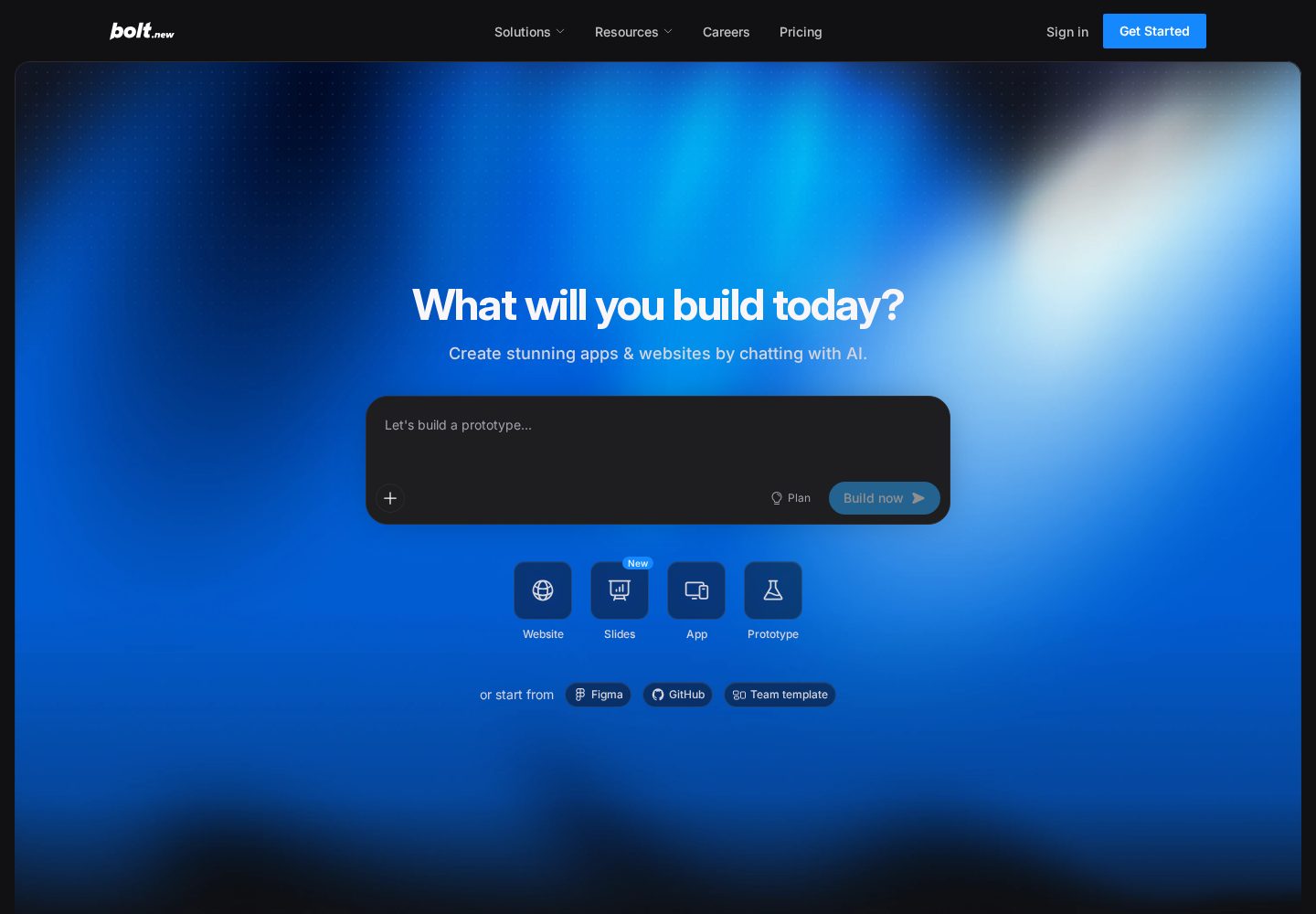
Bolt.new browser-based builder
Bolt.new starts from a prompt and keeps the generated project, preview, and code editing workflow in the browser.
View official source: Bolt.new product page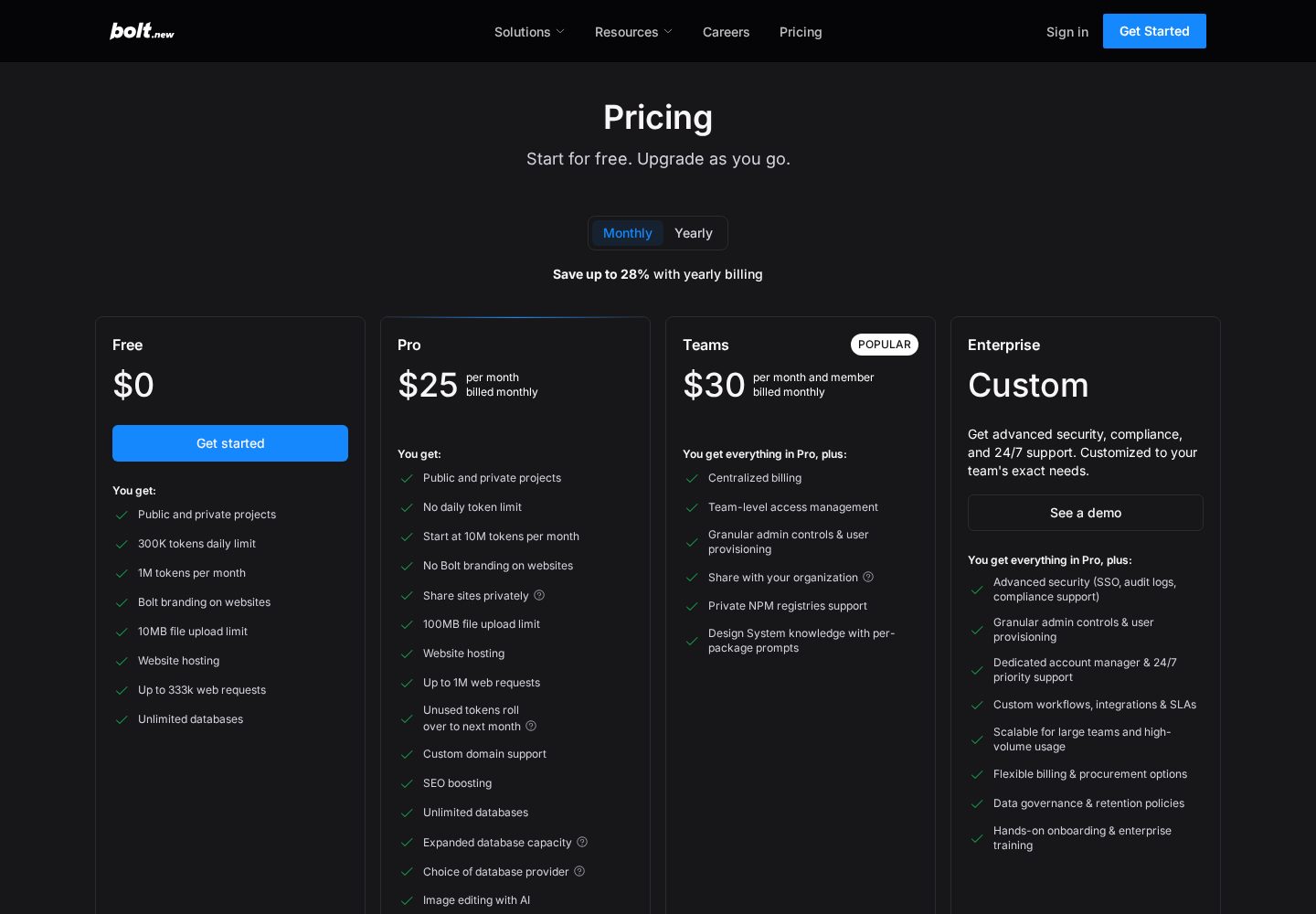
Bolt.new pricing plans
Bolt.new's official pricing compares token allowances, hosting, branding, and collaboration features.
View official source: Bolt.new pricing page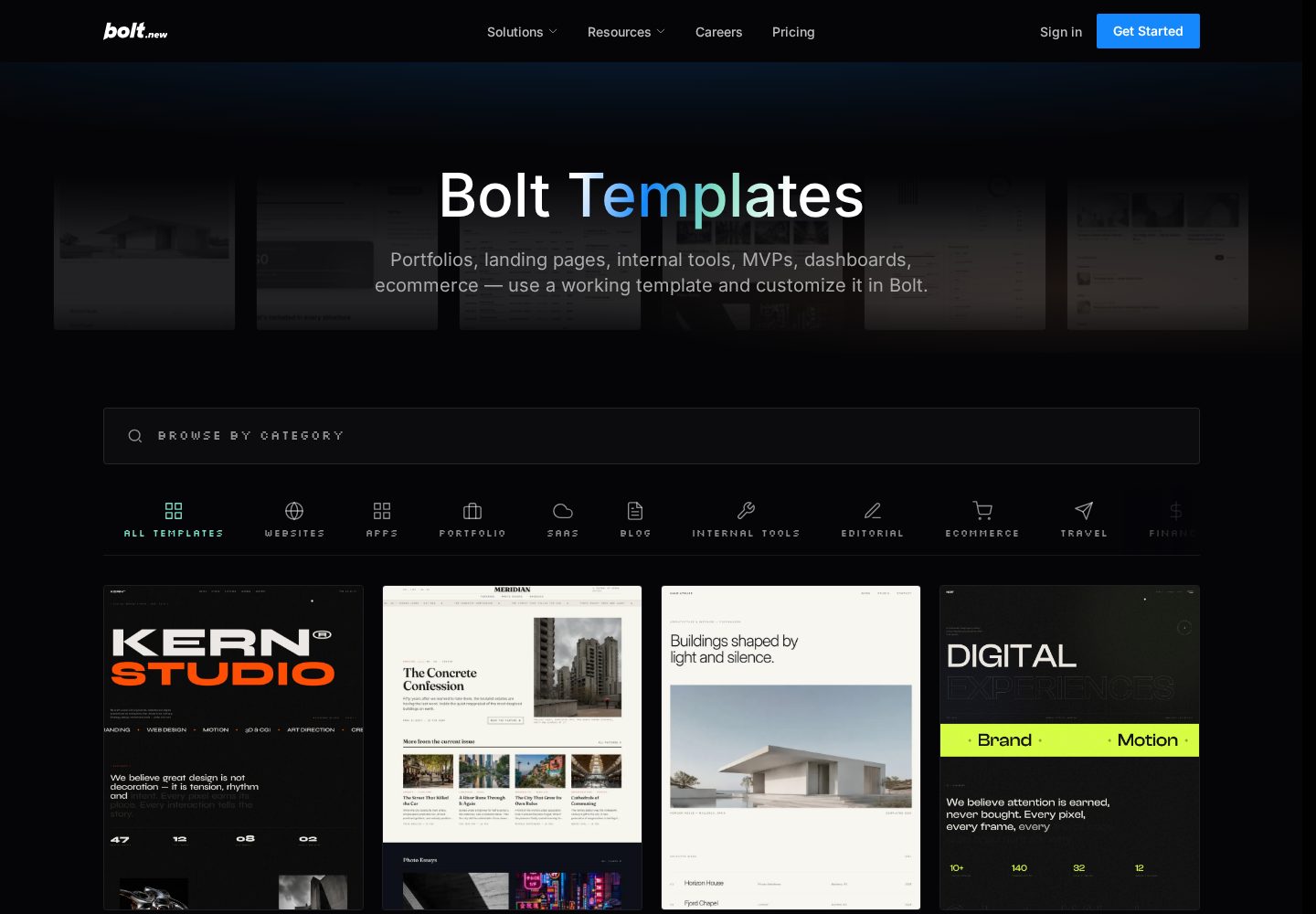
Bolt.new templates
Bolt's template library includes starting points for dashboards, storefronts, portfolios, and other web products.
View official source: Bolt.new templates library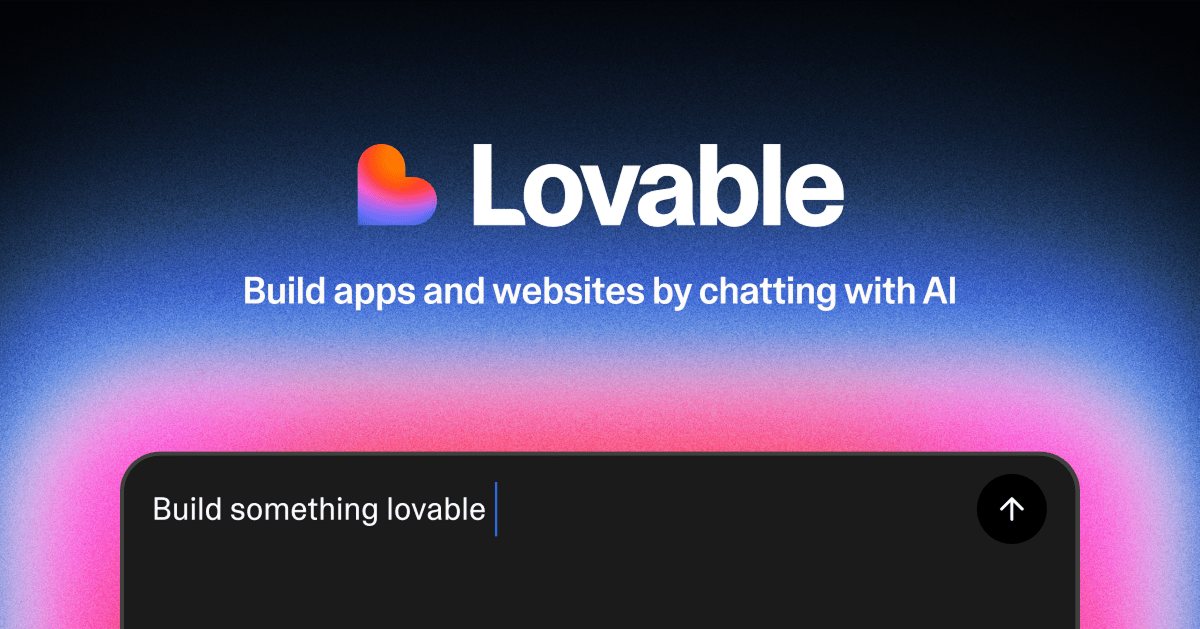
Lovable AI app builder
Lovable turns a written product brief into a working web application with editable code and integrations.
View official source: Lovable product page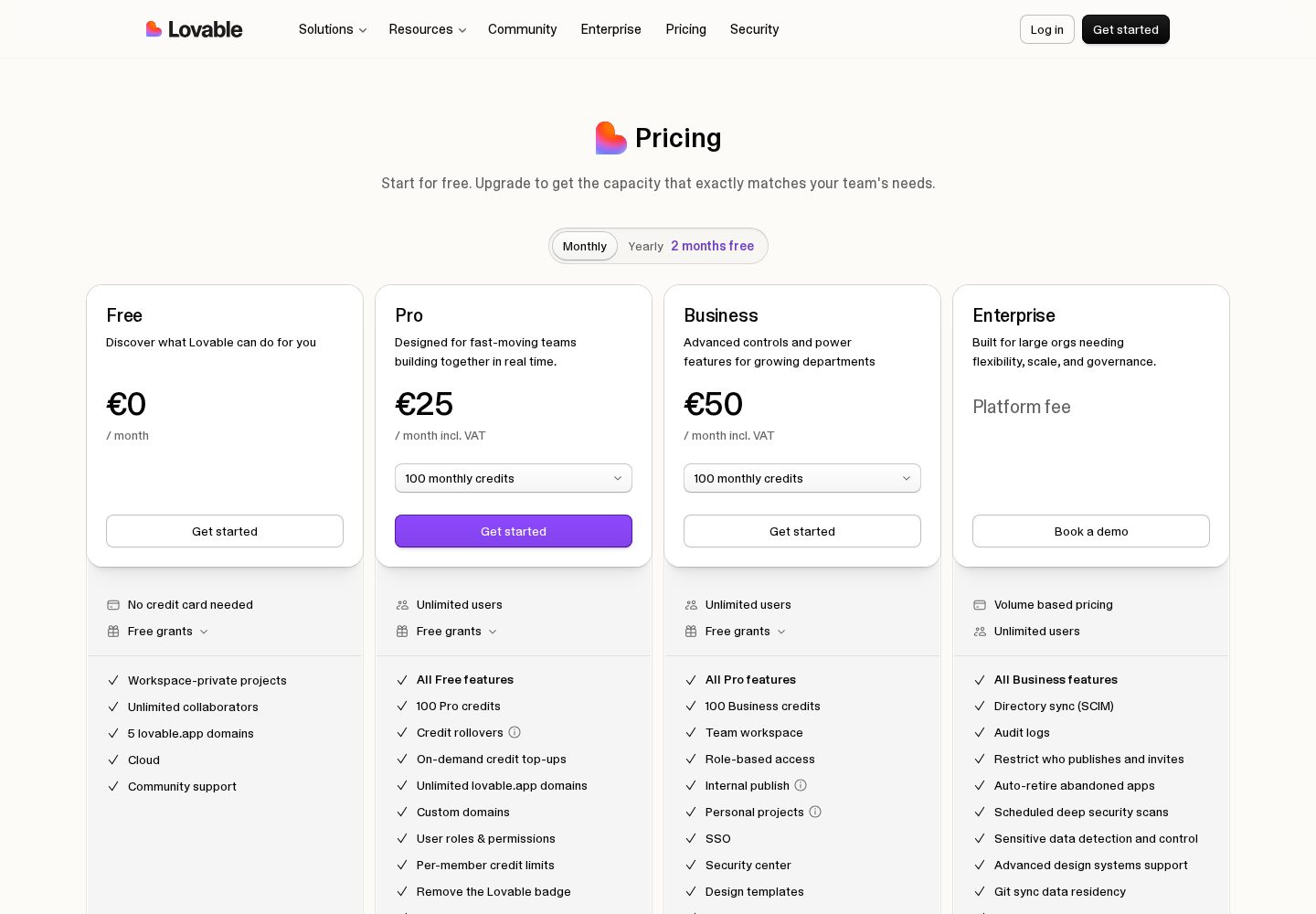
Lovable pricing plans
Lovable's official plan comparison shows its credit allowances and features for individuals and teams.
View official source: Lovable pricing page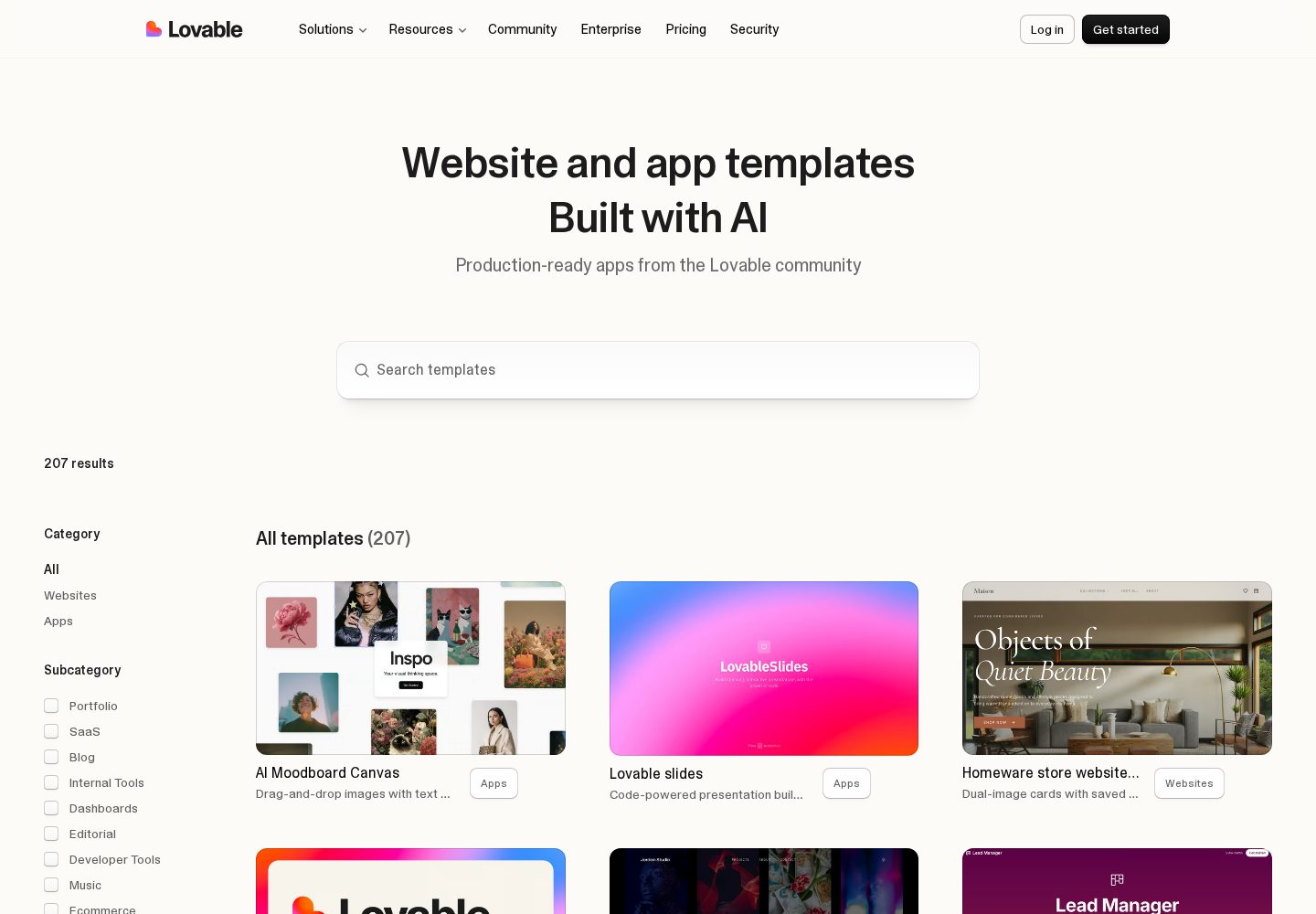
Lovable templates and examples
The template library demonstrates the range of public websites and app interfaces produced with Lovable.
View official source: Lovable templates libraryBolt.new or Lovable? The short answer
Bolt.new is the better choice for developers who want an AI coding environment in the browser and are comfortable reading and correcting the code it writes. Lovable is the better choice for non-technical founders who want a finished-looking full-stack app without touching the code. Both have free plans and both charge $25 per month for their main paid tier, so price is rarely the deciding factor. Bolt meters tokens — 300K per day and 1M per month free, from 10M per month on Pro — while Lovable meters AI credits. Pick Bolt for control and prototyping speed; pick Lovable for polish and a maintained product.
Key takeaways
- Lovable scores 9.8 and Bolt.new 9.6 — Bolt trades a little finish for a lot of control.
- Both cost $25 per month for the main paid plan, and both have real free tiers.
- Bolt's free plan includes hosting with Bolt branding; Pro removes it and lifts the daily token cap.
- Bolt is an in-browser development environment; Lovable is a product builder that happens to write code.
- If you cannot read the code when the AI gets something subtly wrong, Lovable's guardrails are worth more than Bolt's flexibility.
Bolt.new vs Lovable: an IDE and a product builder
Bolt.new puts a development environment in your browser and an AI inside it. You describe what you want, it writes code, and the code is right there — files, structure, terminal output, all visible and editable. The mental model is that of a very fast pair-programming partner who leaves everything on the desk for you to inspect.
Lovable takes the opposite stance. The code exists and you can get to it, but the interface is deliberately about the application rather than the implementation. You talk about pages and features, not files, and the platform handles the infrastructure decisions that a developer would normally make explicitly.
Neither approach is more advanced. They are bets about who the user is. Bolt bets you will benefit from seeing the machinery; Lovable bets that seeing the machinery is a distraction from shipping. The right bet depends entirely on whether you can read what you are shown.
A useful test: when an AI writes a function that looks right but handles an edge case wrongly, what do you want to happen? If the answer is 'show me so I can fix it', Bolt is your tool. If the answer is 'I would not know what I was looking at — just make it work', Lovable is.
What each produces
For the throwaway prototype, Bolt was the faster and more pleasant experience. We described an interaction, saw it running, tweaked the code directly rather than re-prompting, and had an answer to our design question in a few minutes. Re-prompting to change a small detail is slower than editing a line, and Bolt lets you do the latter.
For the persistent SaaS app, Lovable pulled ahead. Its output looked like a product on the first pass — consistent styling, responsive layout, sensible states — where Bolt's looked like a working prototype that would need a designer. Lovable also handled the boring necessities of a real app, accounts and data persistence and deployment, with less prompting.
The two-day follow-up test was revealing. Returning to the Lovable app and asking for a change felt continuous, as though the platform remembered the project as a product. Returning to Bolt felt more like reopening a workspace: everything was there, but the responsibility for knowing what had been built was more clearly ours. For developers, that is fine and arguably preferable. For someone non-technical, it is where projects stall.
- Bolt.new: fastest for developers exploring an idea, direct code editing, everything visible.
- Lovable: fastest for non-developers shipping something real, better default design, less to understand.
- Both: capable of full-stack results, both benefit enormously from small incremental prompts.
Side by side
| Criterion | Bolt.new | Lovable |
|---|---|---|
| Ease of use | Straightforward, some code familiarity helps | Chat-based; no coding required to start |
| AI capabilities | Browser-based AI coding environment for spinning up web projects from a prompt. | Prompt-driven builder that turns a written description into a working full-stack web app. |
| App types | Web apps, Prototypes | Web apps, SaaS, Prototypes |
| Customisation | Whole development environment runs in the browser, nothing to install | Describe the app in plain English and get a working front end and back end |
| Integrations | Supabase, Bolt Database, Netlify deployment, GitHub | GitHub, Supabase, Stripe, Built-in Cloud backend |
| Pricing | Free plan with 1M tokens/month; Pro $25/month; Teams around $30/member/month | Free plan with limited daily credits; Pro from $25/month, Business $50/month |
| Free plan | Yes | Yes |
| Code / export | Yes | Yes |
| Best use cases | Developers and technical founders prototyping web apps quickly, and anyone who wants AI scaffolding without giving up an ordinary codebase. | Founders, product managers and designers who can describe what they want clearly and need a real, hosted product rather than a prototype — especially anyone building a SaaS MVP or internal tool solo. |
Category winners
We built the same two things on both platforms in September 2026: a throwaway prototype to test an interaction idea, and a small SaaS app with signup, a dashboard and persistent data intended to keep running. We tracked how quickly each reached a demonstrable state, how each behaved when we deliberately asked for something ambiguous, and how each handled a follow-up change two days later. Pricing and token allowances come from each vendor's published pricing page checked the same month.
| Category | Winner | Why |
|---|---|---|
| Suitability for non-developers | Lovable | Lovable's guided flow assumes no code knowledge. |
| Control over the code | Bolt.new | Bolt gives you a full in-browser environment to edit directly. |
| Visual polish of output | Lovable | Lovable's defaults look closer to a finished product. |
| Prototyping speed for developers | Bolt.new | Faster to throw something together and inspect it. |
| Free tier usefulness | Tie | Bolt gives 1M tokens/month; Lovable gives daily and monthly credits. |
| Paid entry price | Tie | Both $25/month. |
| Maintaining an app over months | Lovable | Lovable is built around an evolving product, not a session. |
| Learning what the AI actually built | Bolt.new | Bolt shows you the code as the primary surface. |
Bolt.new pros & cons
Pros
- Whole development environment runs in the browser, nothing to install
- Very fast first result for front-end heavy projects
- Downloads as a normal project you can open in any editor
- Supabase and Netlify integrations for data and deployment
- Free tier is workable for small experiments
Cons
- Token limits bite quickly on larger projects
- Backend depth is thinner than a full IDE or full-stack builder
- Free-tier apps carry Bolt branding
Lovable pros & cons
Pros
- Describe the app in plain English and get a working front end and back end
- Built-in database, authentication and hosting — no separate setup
- Two-way GitHub sync, so the code stays yours
- Live preview makes each change visible immediately
- Free plan is generous enough to judge the tool before paying
Cons
- Credit-based usage gets expensive on heavy iteration
- Unusual business logic and security work still need developer review
- Large existing codebases are not its strong point
Pricing compared: tokens versus credits
Bolt.new publishes a free plan with 300,000 tokens per day and one million per month, including hosting with Bolt branding; Pro at $25 per month starting from ten million tokens monthly with no daily cap and no branding; and Teams at around $30 per member per month for shared workspaces and billing.
Lovable publishes a free plan with limited daily and monthly AI credits and public projects; Pro at $25 per month with a monthly credit allowance, private projects and custom domains; Business at $50 per month; and custom Enterprise pricing.
At $25 either way, price does not decide this. What differs is the shape of the meter. Bolt counts tokens, which map roughly to how much code the AI reads and writes — long conversations over a large codebase consume more, so the cost of a change grows with project size. Lovable counts credits per unit of AI work, which is coarser but easier to reason about without thinking about context windows.
The free tiers are both genuinely usable for evaluation. Bolt's daily cap of 300,000 tokens is the constraint most people hit first; it resets, so it limits a long session rather than a long project. Lovable's free tier keeps projects public, which matters if you are working on something you would rather not show yet.
Who wins for which project
For a developer prototyping: Bolt. Being able to skip the prompt and edit the line is a compounding advantage over a working session, and seeing the structure keeps you oriented in a way a chat interface does not.
For a non-technical founder building a real product: Lovable, without much hesitation. The polish gap on customer-facing output is real, and the guardrails matter more than the flexibility when you cannot evaluate what the AI produced.
For a technical founder building a real product: genuinely close. Many people use both — Bolt to explore a tricky piece in isolation, Lovable for the application that has to keep running. Since both have free tiers, trying that split costs nothing but time.
For teams: Bolt's Teams plan at roughly $30 per member is straightforward shared-workspace pricing; Lovable's Business tier at $50 per month adds team features on top of a larger credit allowance. Neither is expensive relative to the time either saves in the first week.
Shared limitations you should plan around
Both platforms regress. Ask for a broad change across a mature codebase and there is a real chance something that worked yesterday stops working today. On Bolt you will see it in the diff; on Lovable you may only see it when a page breaks. Either way the mitigation is identical: small prompts, frequent commits to GitHub, and a habit of clicking through the app after every significant change.
Both also generate confidently wrong security decisions if you do not ask. Neither will interrupt you to say that the data you just added should not be readable by every signed-in user. Before real data goes in, log in as each type of user and try to reach something you should not.
Finally, both are much better at building than at explaining what they built. If nobody on your side can answer 'how does this work' six months from now, you have a maintenance problem regardless of which platform generated the code — which is the strongest argument for connecting a GitHub repository from day one on either tool.
Which One Should You Choose?
Both cost $25 a month for their main paid plan, so this is decided by who you are rather than what you spend. Choose Bolt.new if you can read code and want to edit it directly while prototyping in the browser. Choose Lovable if you are not a developer and need a polished, customer-facing app you will keep maintaining for months.
Choose Bolt.new if
- You can read code and want to edit it directly rather than re-prompt.
- You are prototyping ideas quickly rather than maintaining a product.
- Seeing the full project structure helps you stay oriented.
- You want hosting on the free plan and only need branding removed later.
- Your projects are small enough that token consumption stays modest.
Choose Lovable if
- You are not a developer and do not want to be one.
- The app is customer-facing and needs to look finished.
- You want accounts, data and deployment handled without asking.
- You will return to the project repeatedly over months.
- Private projects and a custom domain matter from the start.
Bolt.new vs Lovable: FAQs
Is Bolt.new better than Lovable?
Neither is universally better. Bolt.new is better for developers who want direct control of the code and fast prototyping; Lovable is better for non-technical builders shipping a polished, customer-facing app. We score Lovable 9.8 and Bolt 9.6, reflecting Lovable's broader suitability rather than any technical deficiency in Bolt.
Do Bolt.new and Lovable cost the same?
Their main paid plans do — $25 per month each. Bolt then meters tokens (from 10 million a month on Pro) while Lovable meters AI credits. Bolt Teams is around $30 per member per month; Lovable Business is $50 per month.
Can I use Bolt.new without knowing how to code?
You can start without coding, but Bolt shows you the code as its primary surface and its output benefits from someone who can correct it. If you cannot evaluate what it wrote, Lovable's guided approach will get you further.
Does Bolt.new include hosting?
Yes. The free plan includes hosting with Bolt branding, and the $25 per month Pro plan removes the branding and lifts the daily token cap.
Can I use both Bolt.new and Lovable?
Yes, and it is a common pattern among technical builders: Bolt for exploring a tricky component in isolation, Lovable for the application that has to keep running and look good. Both have free tiers, so the combination costs nothing to try.
Continue exploring
Related AppRank guides
Read the full reviews
Related comparisons
Relevant buying guides
Not Sure Which AI App Builder to Choose?
Get our free AI App Builder comparison guide.
No sign-up is required to read any comparison on this site.